19/10/2026 14:38
Can Viewers Judge the Fabric? A Telegram Live Demonstration Workflow for Cambodian Shops
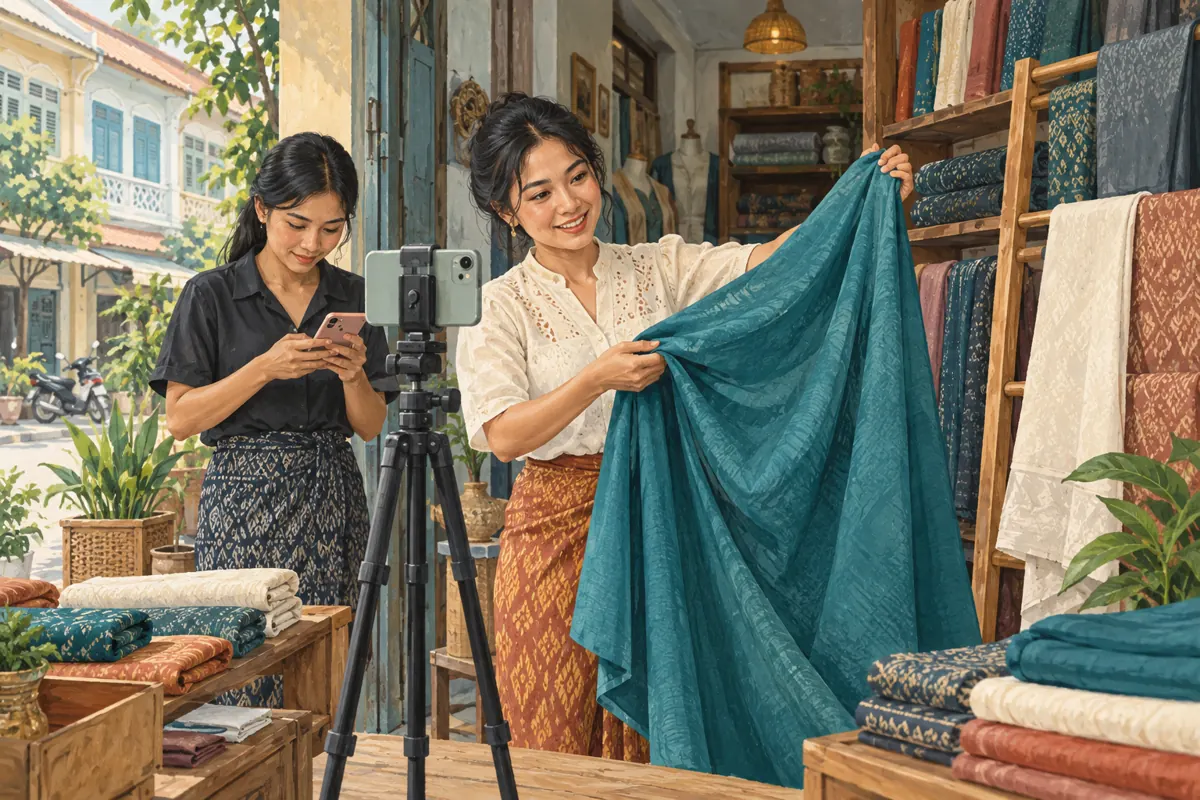
A fabric photograph can show a pattern, but customers may still ask how the material hangs, whether its surface catches the light or what the reverse looks like. A focused Telegram live demonstration lets a shop respond by moving the cloth, changing the viewing angle and repeating a detail. For a Cambodian fabric business, that can make social promotion more useful than another general announcement. The purpose is to help someone decide whether to request a sample or visit the shop. This workflow explains how to prepare that session, manage questions and evaluate any proposed SMM panel purchase without treating channel membership as evidence of customers.
1. Choose one question that benefits from movement
Start with a question that a still photograph cannot answer well. How do two fabrics fall when held in the same loose fold? How does a patterned surface look when turned toward the light? Avoid attempting a complete catalogue tour. Every extra roll introduces another product reference, another availability check and another opportunity for viewers to lose track.
In a hypothetical Phnom Penh fabric shop, customers keep asking which of two materials produces a softer-looking curtain fold. The owner plans one comparison using both samples on the same support. The intended next step is a sample enquiry. If the question concerns exact colour matching, fibre composition or long-term durability, explain what requires physical inspection or verified product information.
2. Decide whether a live session is worth arranging
Use live video when customer questions could change what you demonstrate. A viewer might ask to see the back, compare a larger fold or repeat a movement more slowly. If the explanation is fixed and nobody needs an immediate answer, a short recorded demonstration may be easier for both the shop and customers to use.
Telegram documents Live Streams in channels and Video Chats in groups, with access through the community profile for an administrator. Its live-stream announcement also describes viewers raising their hands and joining the broadcast when permitted to speak. Confirm the controls in the app you will actually use before advertising the session. These capabilities are documented in Telegram’s official Live Streams announcement, listed in the sources.
3. Prepare a small, verifiable demonstration brief
Write a working note with the question, sample references, presenter, moderator, planned language and enquiry destination. Give every cloth a stable reference that can be spoken clearly and attached to its physical sample. Keep supplier specifications nearby, but distinguish documented information from personal impressions. Saying a fabric looks more fluid in this demonstration is different from promising that it will suit every installation.
For Cambodian customers, use the language your actual enquiries indicate they understand. A Khmer-speaking presenter can repeat product references slowly while an assistant handles additional language needs. Check the stock position before going live and decide who will confirm availability afterward. A demonstration sample should never silently become a promise that a matching quantity is ready for immediate collection.
4. Announce the session with a clear participation route
Your announcement should identify the comparison, date, Cambodia time, expected duration and how customers can submit questions. Include the shop’s established enquiry contact for people who cannot attend. Promote it through your own relevant channels and conversations where an invitation is welcome. Explain the practical benefit: viewers can ask to see the cloth move or request another angle.
Telegram’s scheduling documentation explains that administrators can schedule voice chats, members can request a start notification, and the administrator must start the chat rather than rely on the countdown. Check the scheduling options available for your intended session and device. Assign someone to handle the actual start. Do not announce an automatic broadcast unless you have independently confirmed that your chosen setup provides it.
5. Rehearse from the viewer’s side
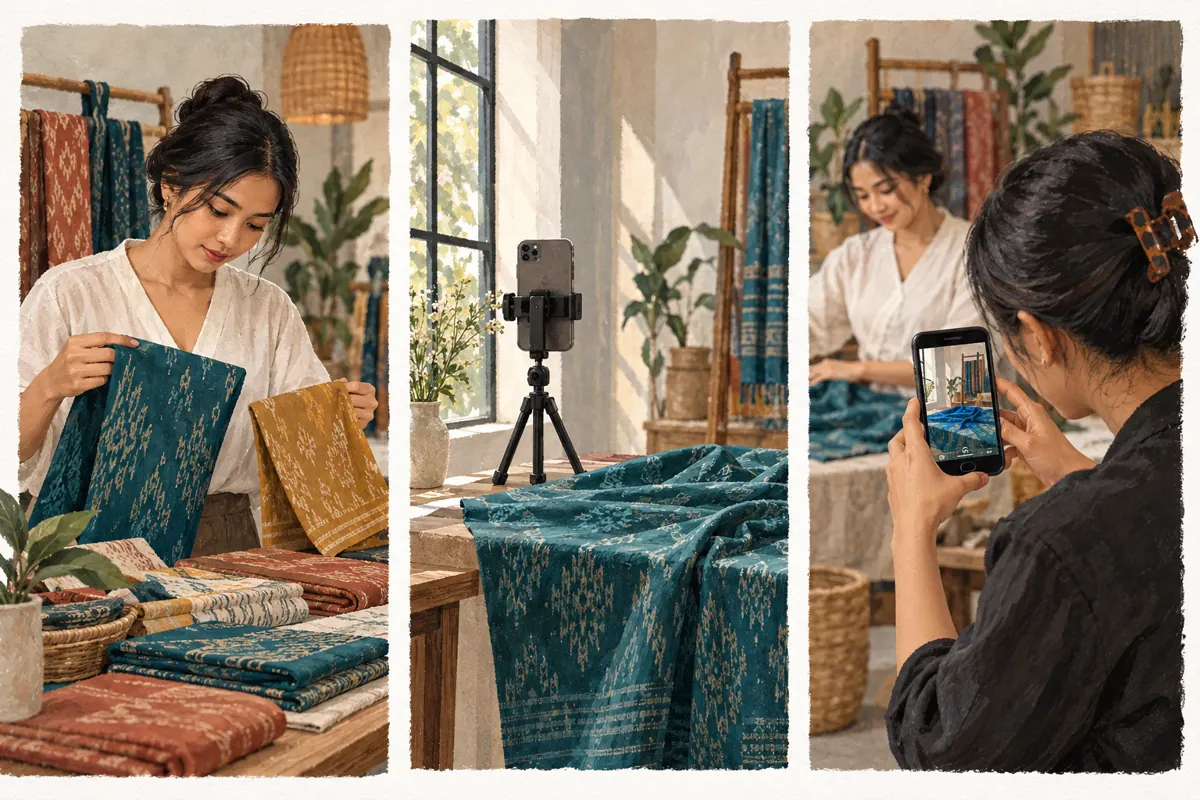
Arrange the samples under steady light and place the camera where both the full fold and a closer detail can be shown. Avoid mixing strong window light with changing coloured illumination. Clear customer paperwork and unrelated people from the frame. Test the microphone while handling the fabric, because cloth movement, a fan or nearby shop traffic may obscure the explanation.
Ask a colleague to watch a rehearsal on another device, preferably through a separate connection. Have them report whether the sample references are audible and whether the difference being discussed is actually visible. Use headphones or keep the monitoring device away from the presenter to avoid distracting audio feedback. If the viewer cannot distinguish the samples, simplify the shot before inviting customers.
6. Demonstrate consistently and state the limits
Open by naming the question and explaining the order of the comparison. Show each sample using the same support, framing and movement. Hold the cloth still before changing its position, then repeat the reference aloud. Comparing one fabric in a tight fold and another loosely spread creates a misleading impression even when nobody intends to exaggerate.
Describe what the camera shows without turning appearance into a technical claim. A surface may look shinier at one angle; that does not establish its composition or quality. Screen settings, lighting and video transmission can alter perceived colour and detail. Invite customers who need a close match to inspect a physical swatch. For curtain suitability, ask about the intended use before recommending a material.
7. Give questions a manageable order
Let the presenter handle the cloth while a moderator organises questions. Start with questions that affect everyone’s understanding, such as which sample is being shown. Then handle requests for another angle or a repeated comparison. Move individual quotations, addresses and order details to the shop’s established private enquiry route. A public demonstration should not become a reading of customer information.
Telegram documents a raise-hand mechanism for muted participants in voice chats. Rehearse how to recognise and handle those requests before the event. Explain that a request to speak is not a product reservation. If a question falls outside the presenter’s verified knowledge, record it for follow-up instead of improvising an answer. A useful response can simply identify what the shop needs to check.
8. Prepare a fallback before the connection fails
Keep clear photographs of the selected samples and a short written explanation ready. If viewers report freezing or unclear sound, pause the comparison and ask the moderator to confirm the problem. Repeatedly continuing through a broken picture leaves customers guessing which fabric the presenter means. Resume only when the essential detail can be understood.
If the session cannot continue, post a straightforward update in the channel and provide the enquiry route. Offer a later demonstration only after confirming staff availability. Do not imply that a replay will appear automatically. If you intend to record, test the relevant recording controls and output beforehand, explain that plan to participants and review the material before sharing anything containing customer contributions.
9. Assess SMM services against the actual problem
The supplied public catalogue includes “Telegram - Channel Boost - For 1 days”. Its title identifies a channel-boost offering, but its description is empty. That is insufficient to establish what will be delivered, how it relates to the planned demonstration or whether any audience benefit follows. Ask for the current written scope before considering payment. Do not interpret the word boost as a promise of live viewers.
No supplied description establishes a live-attendance service for this workflow. Purchased engagement is not evidence of genuine interest, sales, ad delivery or Cambodian users. Nor does a panel listing establish official Telegram affiliation. If the business needs better sample enquiries, first improve the demonstration, invitation and response process. Any separate service decision needs documented terms and a review of applicable platform rules; a larger visible count cannot answer the customer’s fabric question.
10. Turn the demonstration into a useful follow-up
After the session, publish a concise recap naming the demonstrated samples and the main distinctions viewers could see. Correct any statement that needs qualification. Explain how to request a swatch or arrange a visit, including any confirmed sample charges or collection conditions. Do not invent a deadline to create urgency. Check availability again before accepting an order.
In the hypothetical shop, a viewer requests the teal sample after asking to see its reverse. The assistant records the reference, intended use and preferred next step, then confirms the sample arrangements privately. That is a meaningful enquiry record. The shop should not label it a sale until its own sales process establishes one, or assume that every silent viewer wants the same fabric.
11. Review the decision customers could make
Review the questions customers asked, the details they struggled to see and whether staff completed promised replies. Separate sample requests, quotations and confirmed orders. If a customer voluntarily says the live demonstration prompted an enquiry, record that as their reported source. Where the source is unknown, leave it unknown rather than assigning every later message to the broadcast.
Common mistakes include changing lighting between samples, using vague references, leaving one person to present and answer everything, and mistaking attendance for purchase intent. Choose the next improvement from an observed problem. Repeated requests to see the reverse suggest a missing demonstration step. Unanswered sample messages suggest a staffing problem. Neither is solved merely by purchasing more channel activity.

Frequently asked questions
Should a small fabric shop go live if only a few people may attend?
It can be worthwhile when those people have specific questions and staff can respond usefully. Set a modest preparation limit and focus on one comparison. If customers need information at different times, a recorded demonstration plus a clear enquiry route may serve them better. Attendance alone does not determine whether the work was useful.
Can a live demonstration replace sending a physical sample?
It can help a customer decide which sample to request, but it cannot reproduce touch or guarantee colour matching. Use the stream to explain movement, show both sides and narrow the choice. When exact appearance or suitability matters, agree on a physical inspection or sample process before the customer commits.
Does a Telegram channel boost mean more people will watch?
The supplied listing does not establish that outcome. Its description provides no explanation of delivery or audience behaviour. Do not equate a boost, member count or purchased activity with attendance by interested Cambodian customers. Obtain written service details and judge whether the documented deliverable addresses any real need before making a purchase.
What should the presenter do when nobody asks a question?
Complete the planned comparison and invite one specific request, such as whether viewers would like to see the reverse. Allow a brief pause, then continue naturally. Do not invent audience questions or claim that silent viewers are ordering. Finish with the sample enquiry route so people can follow up when ready.
What if a viewer asks for an immediate price or reservation?
State only verified pricing and explain any conditions that affect the quotation. Ask the customer to send the sample reference and required quantity through the established enquiry contact. Confirm stock, cutting requirements and reservation terms there. Hearing a request during the stream should not silently create an order or a promise to hold material.
Explore the current service catalogue, create an account, or ask a specific question through support tickets.
- Telegram: Live Streams, Flexible Forwarding, Jump to Next Channel, Trending Stickers and More
- Telegram: Payments 2.0, Scheduled Voice Chats, New Web Versions
- Telegram: Voice Chats 2.0 — Channels, Millions of Listeners, Recorded Chats, Admin Tools
Prepared with AI assistance. Illustrations explain the workflow and do not represent customer results.