22/10/2026 06:58
Did You Cut Out the Loading Step? YouTube Trimming for Cambodian Packaging Shops
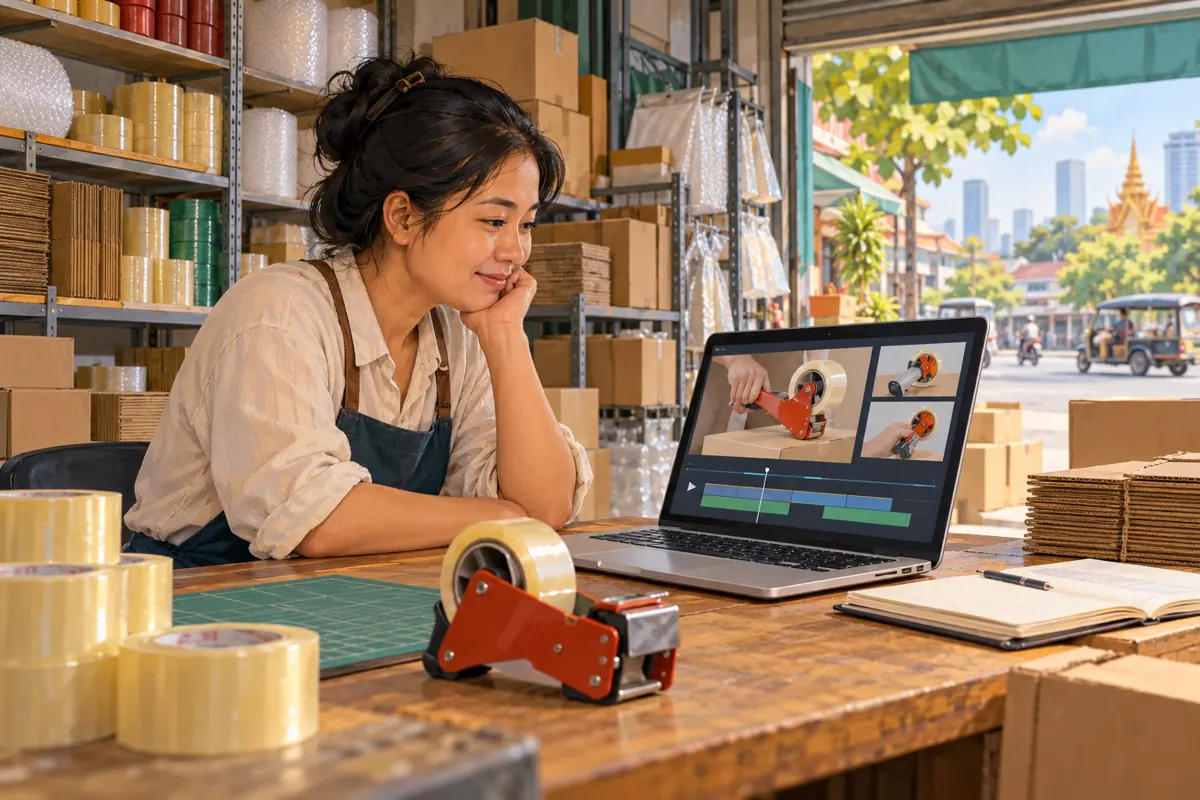
A packing-tape dispenser demonstration can contain both unnecessary waiting and essential preparation. Removing the opening pause might help customers reach the explanation sooner. Removing the moment that shows how the roll sits in the dispenser could leave them watching a result they cannot understand. For Cambodian packaging shops promoting products through YouTube, the useful question is therefore not simply whether a video can be shorter. It is whether the shorter version still answers the buyer’s question. This guide uses a hypothetical Phnom Penh packaging supplier to explain how to plan cuts, review continuity and check the published result before sharing it more widely. It also explains why an SMM panel listing cannot substitute for a clear demonstration or reliable evidence of customer interest.
1. Define the question the demonstration must answer
Imagine a hypothetical supplier whose customers ask whether a particular dispenser accepts the tape rolls they already use. The existing video begins with the presenter arranging cartons, then shows the roll, loading process and sealing action. The shop wants a cleaner video to share when answering enquiries. Its editing objective should be specific: remove preparation that teaches nothing while keeping the information needed to judge compatibility and understand the demonstrated setup.
Write that objective before opening an editor. Identify what the viewer must see, what must be explained aloud and what requires confirmation from the shop. For example, the video may demonstrate one roll and one dispenser without establishing compatibility with every similar-looking product. Keep that boundary explicit. A tidy edit should not turn a narrow demonstration into an apparent universal claim.
2. Separate removable waiting from necessary evidence
Watch the original once without making changes. Mark passages as essential explanation, useful context or removable waiting. An empty tabletop before the presenter arrives is usually different from a pause that lets viewers inspect the roll orientation. The length of a passage alone does not tell you which category it belongs to.
In the hypothetical shop’s video, the presenter briefly holds the loaded dispenser still before applying tape. That pause may look expendable to an experienced employee, yet it gives a new buyer time to understand the arrangement. Preserve it if the next action depends on that view. Conversely, repeated greetings or an unrelated interruption may be removable without changing the lesson.
Check spoken dependencies too. A sentence beginning with “this side” needs the referenced object to remain visible. Removing the earlier shot can leave grammatically complete speech with no clear meaning. Record the reason for each proposed cut, rather than marking every quiet moment for deletion.
3. Decide whether trimming can solve the problem
Use trimming when the explanation is already correct and the unwanted material can be removed cleanly. If the central loading action is hidden behind a hand, cutting surrounding footage will not reveal it. If the presenter demonstrates the wrong product, shortening the sequence will not make it accurate. Those problems call for a corrected recording or a different piece of content.
Apply a simple decision rule: after the proposed removal, can an unfamiliar viewer still identify the product, follow the relevant action and understand the limitation? If any answer is uncertain, retain the context or prepare a replacement demonstration. Do not preserve a flawed explanation solely because its existing link is convenient.
For a Cambodian shop serving Khmer-speaking customers, ask a fluent reviewer to listen for qualifications around model, size and included accessories. A cut that preserves the product name but removes “sold separately” changes the sales message. Review meaning before judging pace.
4. Keep an original and write a small cut plan
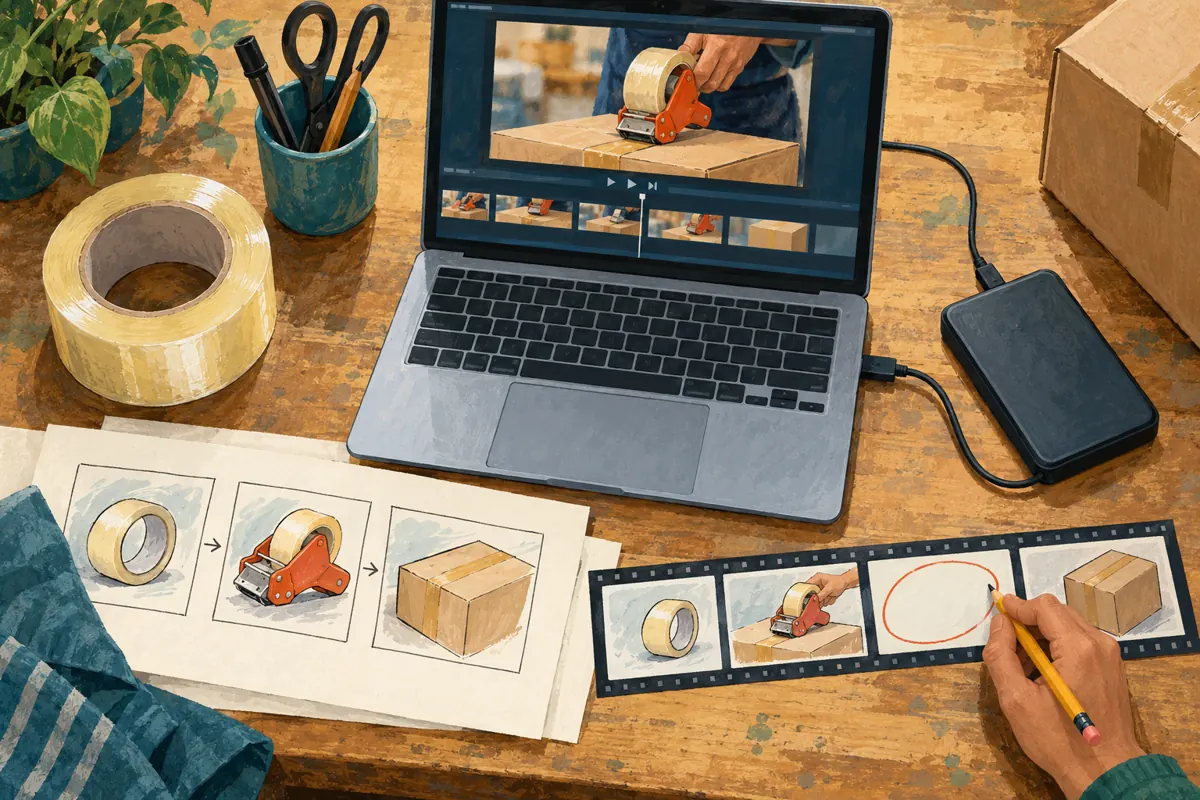
Before editing, retain the original recording in storage the business controls. Open the backup and confirm that it plays; a filename alone is not a useful recovery plan. Keep any source narration and caption files alongside it if they are available. YouTube’s current guidance says saved Studio Editor changes cannot be undone through Revert to original.
Prepare a short note containing the public video link, proposed removal boundaries, reason for each cut and person responsible for checking the result. Use clear descriptions such as “remove table arrangement before the product introduction.” A colleague should be able to understand the intention without guessing from two timestamps.
Separate the person proposing the cut from the final comprehension check when staffing allows. The presenter already knows what happened between shots and may unconsciously supply missing information. Someone who did not film the demonstration is more likely to notice a roll that appears loaded without explanation.
5. Make a controlled edit in YouTube Studio
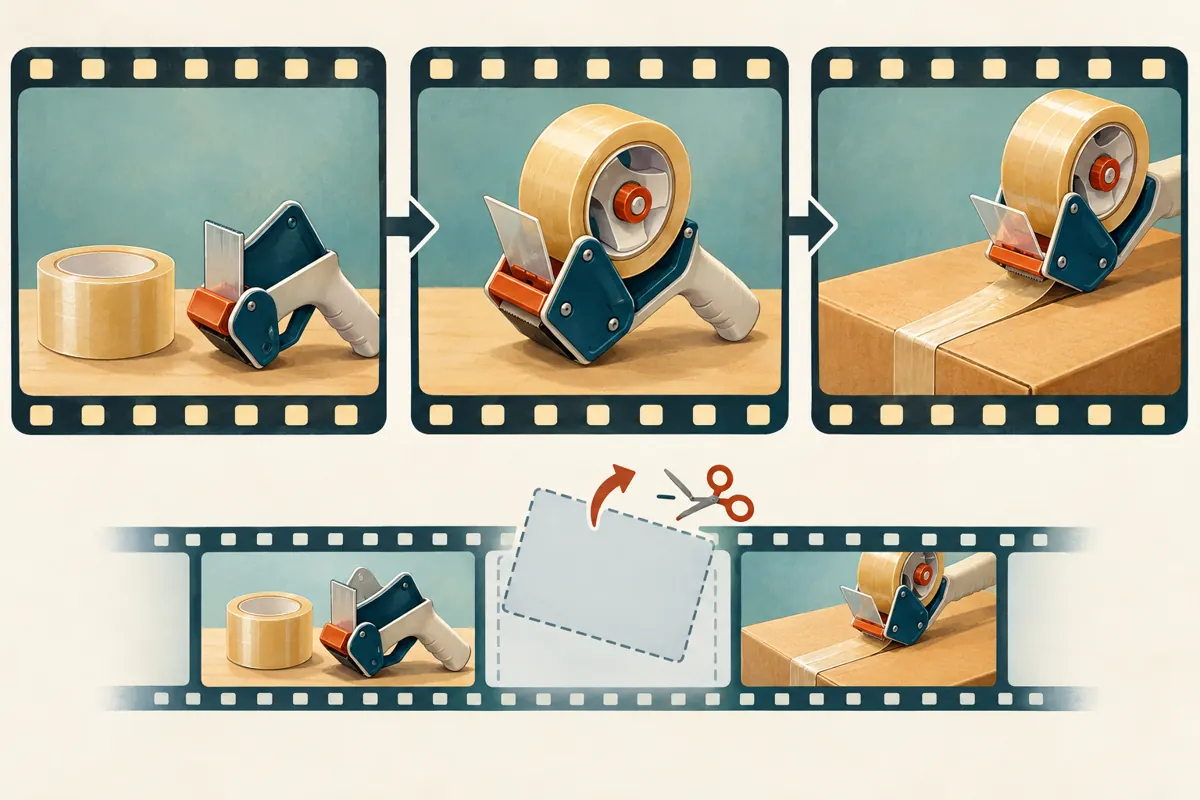
YouTube’s official trimming guide describes computer-based editing for videos shorter than six hours. Trimming does not require re-uploading, and the URL, view count and comments remain. Some unedited videos above 100,000 views face saving restrictions, with an exception for YouTube Partner Program channels.
In Studio, open Content, select the video and enter Editor. Choose Trim & cut. For the beginning or ending, adjust the blue boundaries around the footage to retain. For an internal removal, choose New Cut and mark the unwanted section. Enter precise times when needed and use Preview before saving.
Work from the written plan instead of making extra cuts simply because the controls are open. Begin with the clearest unnecessary passage. Review that change before tackling a more delicate transition. If the edit starts to require explanations that the original never supplied, stop and reconsider whether trimming is the right solution.
6. Review the join, not just the removed passage
The most important review area is often the transition between the footage before and after a cut. Listen from the start of the preceding sentence through the end of the following explanation. Watch the object positions as well as the presenter’s words. A sudden change in tape roll, carton or dispenser can imply continuity that was not actually recorded.
In a hypothetical revision, the editor removes a pause during which the presenter swaps a narrow roll for a different roll. The remaining video appears to show one uninterrupted demonstration. Even if both products are stocked, the edit could confuse buyers about which combination was tested. Keep the distinction visible or use a new recording that presents the comparison clearly.
Do not remove failed attempts merely to imply effortless operation. An instructional video can omit irrelevant repetition, but it should preserve conditions that affect the result. If a successful demonstration depends on an adjustment, that adjustment belongs in the explanation.
7. Test the result as a customer would watch it
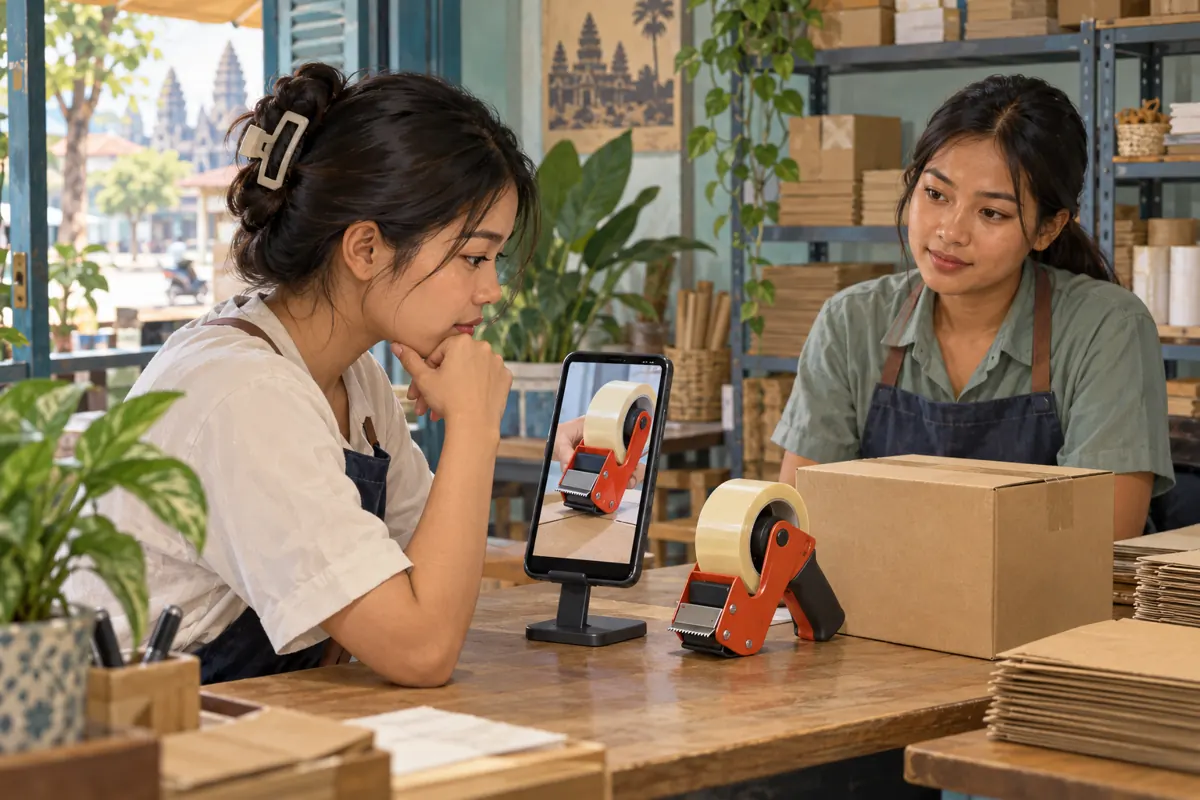
Review the proposed edit on a phone as well as the editing screen. Check whether the roll and dispenser remain distinguishable at ordinary viewing size. Listen through the phone speaker, then review with sound off to see whether the available captions and visuals still communicate the central point. These are editorial checks, not claims that every customer watches in the same way.
Ask a colleague three concrete questions: Which product was demonstrated? What preparation happened before use? What would you still need to ask before buying? Avoid asking only whether the video looks good. Attractive pacing can conceal an unanswered compatibility question.
After saving and once the edited version is available, watch the public video again. Recheck captions, description references and any time-based directions the shop has shared. Verify where those references now lead rather than assuming they remain useful. Record the completed review before using the link in a new promotional message.
8. Put SMM panel claims through a separate decision
The supplied lao-smm.com catalogue includes the exact listing “YouTube Like ~ Max 50k ~ 50k/days ~ Instant ~ 𝐍𝐎 𝗥𝗘𝗙𝗜𝗟𝗟”. Its name identifies a likes-related offering, but the supplied description is empty. The title alone does not establish delivery methods, Cambodian audience origin, genuine interest or verified performance. Treat its wording as a catalogue label, not independent evidence.
YouTube’s fake engagement policy prohibits artificial inflation of views, likes, comments and other metrics. It also warns that a promoter’s actions can affect the channel that hired them. If a proposed service artificially increases engagement, the decision should be to avoid it. A well-edited demonstration does not change that policy boundary.
Purchased engagement is not evidence of sales, ad delivery, customer understanding or Cambodian users. Keep any existing panel order records separate from editorial conclusions. A delivery status cannot answer whether buyers understood how the dispenser was loaded. This distinction helps a shop reject unsuitable promotion instead of treating every available catalogue entry as a necessary next step.
9. Share the clearer answer and track useful questions
Once the demonstration passes review, share it where the specific question arises: an enquiry about loading, a product information page or an appropriate social post. Introduce it honestly. Explain that it demonstrates the pictured model with the pictured roll, and tell buyers what information to send for a compatibility enquiry. Do not claim that the demonstration proves suitability for untested combinations.
Keep a modest question log after sharing. Record whether people ask about roll dimensions, loading direction, replacement parts or what the purchase includes. These observations can guide the next explanation. They are more actionable than declaring the edit successful because a public counter changed.
If enquiries become clearer, describe that as an observation within the reviewed conversations. Do not attribute every change to trimming: stock, price, season and where the link was shared may also affect responses. The practical outcome is a more useful sales conversation, supported by records that distinguish what happened from what the team merely suspects.
Frequently asked questions
Should we remove every pause to make the demonstration shorter?
No. Some pauses let viewers inspect a component or connect an explanation with the visible action. Remove waiting that contributes nothing, but retain time needed to understand the product. Have a reviewer unfamiliar with the demonstration identify where they need more time before deciding a pause is unnecessary.
What if the loading step was never clearly filmed?
Record it clearly before promoting the video as a loading guide. Trimming cannot recover an action hidden from the camera. You can instead describe the existing video narrowly as a demonstration of the loaded dispenser in use, provided that description matches what viewers actually see.
Can we judge the edit by whether likes increase?
Likes do not establish that viewers understood the setup, checked compatibility or intended to buy. Ask specific comprehension questions and review genuine enquiries. If purchased engagement is involved, it must not be presented as evidence of authentic demand, and artificial inflation also conflicts with YouTube’s policy.
Must a Cambodian shop make this video in English?
Choose the spoken language that serves the intended customers. A Khmer explanation may be appropriate even when a model name or packaging term appears in English. Preserve important qualifications in that language and have a fluent reviewer check the edit. The goal is accurate understanding, not a language change for its own sake.
What should we do if a saved edit removes something essential?
Stop sharing it as a complete explanation. Review the backup and prepare corrected content, then update customer-facing references as needed. Do not assume a written note can compensate for a missing visual procedure. Keeping the original recording and reviewing before saving reduces the chance of needing this repair.
Explore the current service catalogue, create an account, or ask a specific question through support tickets.
Prepared with AI assistance. Illustrations explain the workflow and do not represent customer results.