19/10/2026 07:49
Need a Closer Look Mid-Demo? YouTube Info Cards for Cambodian Sewing Shops
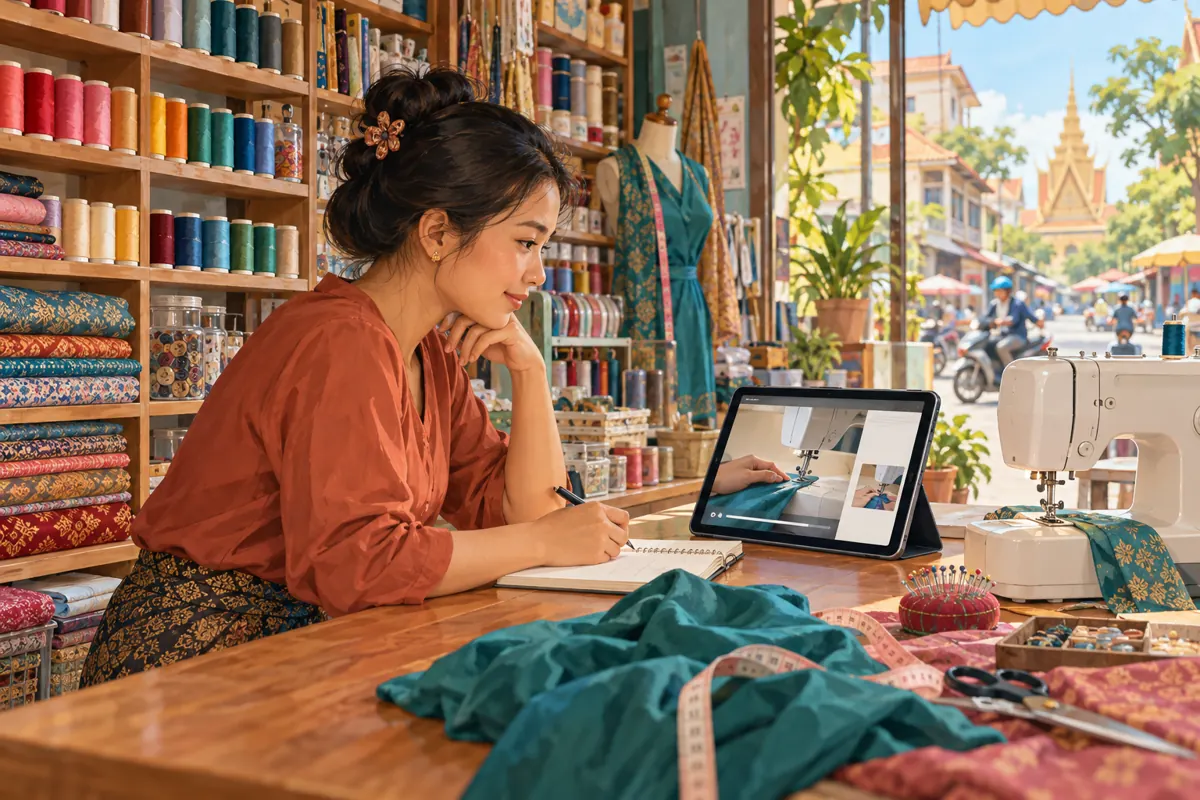
A sewing-machine demonstration can raise a question before the presenter finishes explaining the main task. A viewer may understand the stitching demonstration but need help identifying the bobbin shown on screen. For a Cambodian sewing supply shop, that creates a practical promotion opportunity: make the relevant explanation easy to find. YouTube info cards can provide an optional route to supporting content during a video. This guide explains how to plan that route, check whether it actually helps and decide why an SMM panel order cannot substitute for a useful answer. The shop scenario and example wording below are hypothetical, not customer results.
1. Start with a question that interrupts understanding
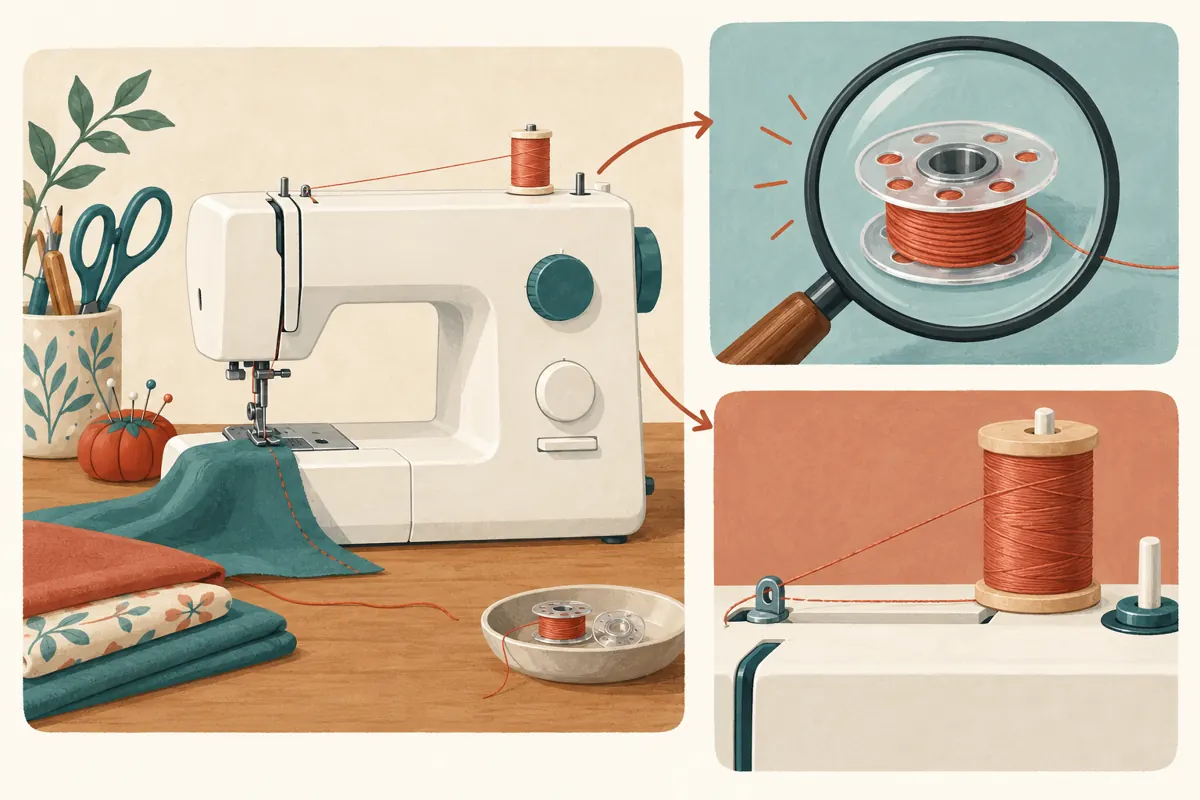
Imagine a hypothetical sewing supply shop in Phnom Penh preparing a Khmer-language demonstration for people learning to use a domestic sewing machine. During the bobbin segment, a beginner might wonder whether the part in their own machine matches the one being shown. Continuing the demonstration without acknowledging that uncertainty can leave the viewer following instructions intended for a different model.
Write down the precise question before choosing a destination: “How do I identify the bobbin used in this demonstration?” is more useful than “What else can we promote?” Ask the colleague who handles enquiries whether that question actually occurs. Use their observations to select a topic, without presenting informal recollections as research. The card should serve a recognizable learning need. A new product announcement or unrelated shop tour would interrupt this particular lesson without resolving the uncertainty.
2. Decide whether a card is the right teaching tool
A useful editorial rule is to separate essential instructions from optional detail. If everyone needs the explanation to complete the demonstrated task correctly, include it in the main video. If only some viewers need extra background, a supporting lesson can make sense. Never hide a necessary compatibility warning or safety instruction behind an optional link.
YouTube supports cards linking to videos, playlists, channels and, for YouTube Partner Program participants, external websites. Video and playlist destinations must be public. Cards are unavailable on videos marked made for kids. These requirements are documented in YouTube Help’s “Add info cards to videos,” listed in the sources.
For the hypothetical shop, start with one public video explaining the specific identification question. One carefully chosen destination is easier to evaluate than a collection of competing suggestions. If no suitable lesson exists, make the explanation first or leave the card out.
3. Prepare a destination that keeps the promise
Watch the proposed destination from the beginning. It should quickly explain what the viewer will learn and which machine or component the demonstration concerns. A lesson titled around bobbin identification should not open with a lengthy catalogue presentation. Show the relevant part clearly, explain the limits of visual comparison and avoid implying that similar-looking components are interchangeable.
For Cambodian customers, choose the spoken language according to the intended viewers. If the shop teaches in Khmer, a Khmer supporting lesson generally provides a more coherent route than an unexplained switch to English. Preserve genuine model names and part identifiers where needed. Have a knowledgeable colleague check the technical content against the applicable manufacturer information. A card can connect two videos, but it cannot make an inaccurate lesson reliable. Give the supporting video a descriptive title that staff can also recognize when answering a customer enquiry.
4. Place the invitation at a natural pause
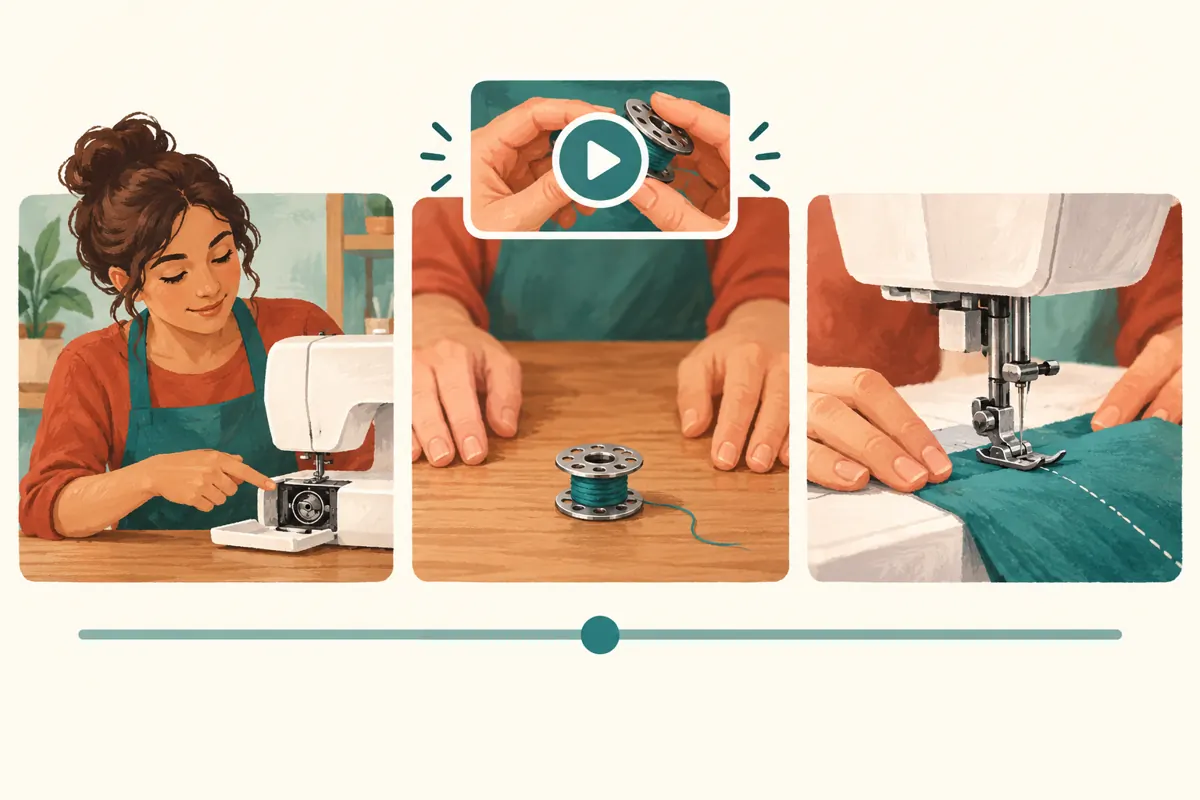
Review the main video and mark the moment when the extra question becomes relevant. In the hypothetical demonstration, this might be immediately after the presenter introduces the bobbin and before moving into the next explanation. Avoid placing the invitation while the viewer needs to concentrate on a close-up action. The aim is to offer a choice without competing with the lesson.
Draft a short spoken invitation for a future recording, such as: “If you need help identifying this part, the supporting guide explains what to check.” Translate it naturally for the actual audience. An existing recording does not need an awkward interruption added merely to mention a card. Record the proposed placement in your planning notes, then watch the surrounding passage at normal speed. If the transition feels rushed, choose a calmer moment or improve the main explanation before promoting the video.
5. Add the card and check the saved route
YouTube’s documented computer workflow is to open Studio, select Content, choose the video, open Editor and select Info cards. Choose the card type, set its start time, add suitable optional message or teaser text and save. YouTube permits up to five cards per video; this workflow starts with one. Follow the current interface if its labels or layout differ.
Use wording that describes the destination rather than exaggerating its value. “Identify the demonstrated bobbin” is clearer than “The secret every beginner needs.” Confirm that the selected video belongs to the intended channel and covers the promised subject. Then reopen the saved setup and check the destination and timing. This catches a simple but costly mistake: selecting a similarly titled lesson for another machine. Keep a short record of the main video, supporting video, purpose and placement so another staff member can review the same route.
6. Test understanding on the devices customers use
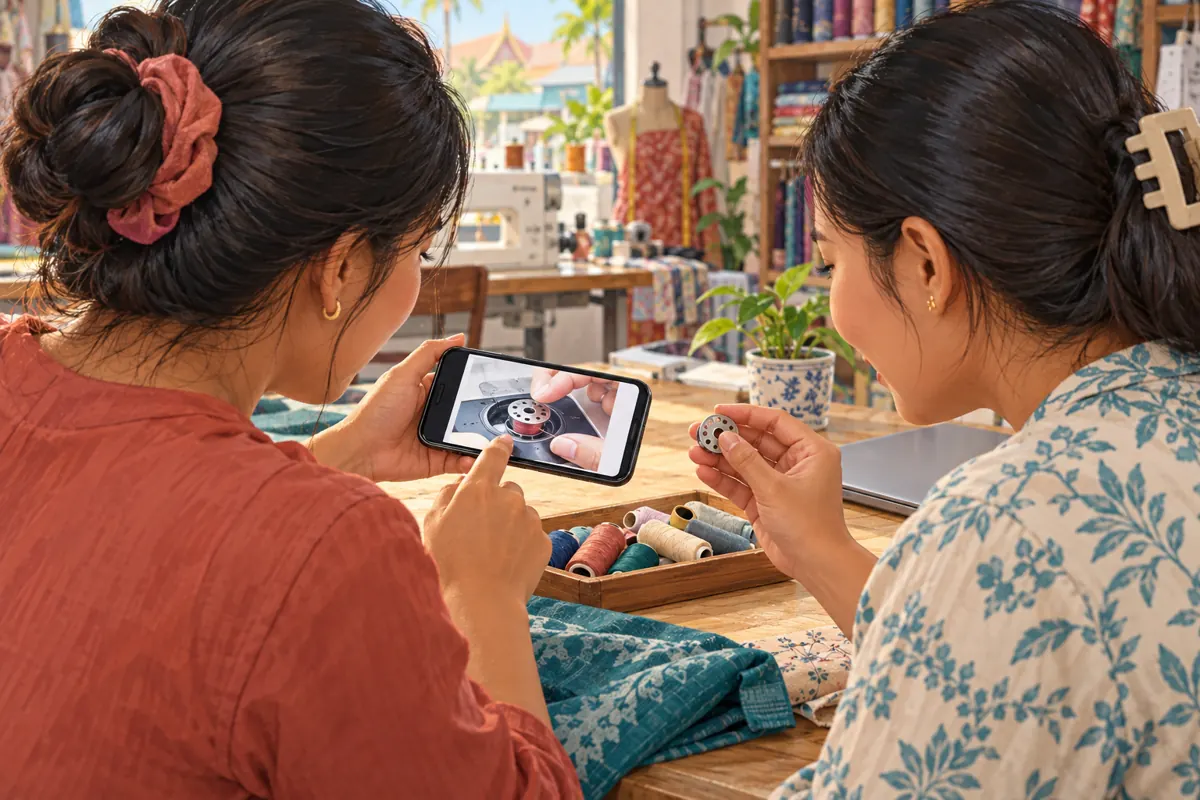
Ask a colleague who did not configure the card to watch the relevant passage on a phone and a computer. Treat this as a practical usability check, not an audience study. Ask them to explain what the invitation means, where they expect it to lead and whether the destination answers that expectation. Do not coach them through every action; hesitation can reveal unclear wording or a poorly chosen moment.
Also check the supporting lesson itself on the smaller screen. Can the bobbin and distinguishing features be seen? Does the narration explain the same object that appears in the image? Can the viewer understand why the lesson applies, or might not apply, to their machine? If the route is difficult to use, keep the supporting video’s recognizable title and ordinary link in the main description as an additional reference. Avoid promising an identical viewing experience on every device.
7. Make the SMM-panel decision separately
Someone reviewing lao-smm.com’s supplied catalogue might encounter “Youtube Comments ~ Custom ~ Max 100k ~ 50k/Days ~ Instant ~ 𝐍𝐎 𝗥𝗘𝗙𝗜𝗟𝗟”. Its name identifies a custom-comment offering, but the supplied description is empty. Treat its quantity and delivery wording as catalogue claims, not independently verified specifications. Nothing in the provided information establishes genuine sewing interest, Cambodian participants or an ability to assess your lesson.
YouTube’s fake engagement policy prohibits artificial increases in engagement and warns that a hired promoter’s actions can affect the channel. It also identifies deceptively labelled info cards as an unacceptable way to trick viewers. Consult the official policy linked in the sources before considering any third-party promotion.
For this workflow, do not purchase comments to make the supporting lesson appear helpful. Purchased engagement cannot establish understanding, sales, ad delivery or Cambodian reach. Put the available effort into accurate demonstrations, clearer close-ups and real answers. A panel listing is not evidence of official YouTube affiliation.
8. Promote the helpful route in an honest context
Once the two videos work together, introduce the main demonstration wherever the shop already communicates with an appropriate audience. In a hypothetical customer conversation, staff could explain that the video includes a separate guide for identifying the demonstrated part. Share it because it answers that person’s question, without implying that viewing the lesson confirms compatibility or replaces checking their machine’s documentation.
Keep promotional wording aligned with the actual lesson. A practical description might explain that the video shows one machine and includes an optional identification guide. Avoid claims that the demonstration covers every sewing machine sold in Cambodia. If a community permits relevant educational posts, follow its posting rules and disclose the shop connection naturally. The useful distinction is between helping an interested person find information and treating a visible engagement total as proof that the information has helped.
9. Review the question, not just the totals
Before sharing the improved video, choose a modest review question: “Can viewers find the identification explanation when they need it?” Keep notes about direct feedback and recurring enquiries. Record whether a customer says the guide answered their question, partly answered it or concerned a different machine. Summarize the issue without copying unnecessary personal information into an editorial spreadsheet.
Do not infer card effectiveness from an increase in the main video’s overall views. New uploads, other promotion and ordinary audience variation can occur during the same period. Where relevant platform reporting is available, use it as one piece of evidence alongside actual feedback. If people still ask the same identification question, inspect the destination before adding more promotion. Perhaps the close-up is unclear, the title promises too much or the original demonstration introduces the part without enough context. Change one substantive element so the next review has a clear focus.
10. Avoid common mistakes and maintain the connection
Common mistakes include linking every demonstration to the newest upload, placing invitations during detailed actions and using vague teaser wording that conceals the destination. Another is sending beginners to a broad collection when they need one immediate answer. A large content library does not automatically provide a useful route through it. Choose the smallest destination that resolves the question accurately.
Assign someone to check the connection whenever either video changes. If the supporting lesson is replaced, verify the new explanation before updating the card. If the shop discovers a technical error, correct the teaching content and any misleading description promptly; a different link alone may leave the original mistake intact. Preserve a brief note of what changed and why. This keeps the route useful for staff who share the demonstration later, including colleagues who were not involved in its original preparation.
Frequently asked questions
Should every sewing demonstration include an info card?
No. Use one when a specific optional explanation helps a recognizable group of viewers. A short, complete demonstration may need no additional destination. Adding a card simply because another video exists can distract from the task and create maintenance work without improving the lesson.
What if the supporting guide is in English but the demonstration is in Khmer?
Check whether the intended audience can comfortably follow it. Explain the language difference before directing viewers there. If the guide contains essential information, provide an accessible explanation in the main lesson instead of making understanding depend on an unexpected language switch.
Can custom comments test whether people understand the video?
Purchased comments are not a valid test of independent understanding. Ask someone unfamiliar with the lesson to explain what they learned and what remains unclear. Genuine customer questions can identify gaps, but a small set of responses still should not be presented as representative of all Cambodian viewers.
What should the shop do if nobody mentions the supporting lesson?
First check that the route works and that its purpose is obvious. Then ask a few actual viewers whether the extra explanation was relevant. Silence alone does not establish success or failure. The main demonstration may already answer their question, or the supporting lesson may address a need they do not have.
Explore the current service catalogue, create an account, or ask a specific question through support tickets.
Prepared with AI assistance. Illustrations explain the workflow and do not represent customer results.