22/10/2026 04:30
Which Inner Pot Are You Looking For? Telegram Hashtags for Cambodian Spare-Parts Shops

A customer remembers seeing a replacement rice-cooker inner pot in your Telegram channel, but cannot find it among delivery announcements, power cords and other accessories. Posting another photograph may answer that customer today while leaving tomorrow’s visitor with the same problem. A small, consistent hashtag system can make the existing catalogue easier to search. For Cambodian spare-parts businesses, the practical goal is to help someone find the relevant product family, identify a particular item and ask a useful compatibility question. This workflow also gives shop owners a concrete task to complete before considering SMM panel services: make the destination useful to the people who actually arrive.
1. Define the search problem before choosing tags
Start with the question customers repeatedly ask. In a hypothetical Phnom Penh spare-parts shop, visitors keep requesting the inner-pot photographs they saw earlier. The channel contains several pot shapes alongside unrelated accessories. Staff can remember roughly when each photograph appeared, but customers cannot. The first objective is therefore to gather inner-pot posts under one recognizable search term, rather than attach a long list of promotional hashtags to every message.
Review a manageable selection of current catalogue posts. Mark which ones describe inner pots, which explain how to identify them, and which concern other products. Decide whether the main difficulty is finding the product family or distinguishing items within that family. A family tag addresses the first problem; clear item references and photographs address the second. If a channel contains only a few products, a short catalogue message with direct references may already be sufficient.
2. Understand the difference between channel search and public discovery
Telegram’s Search and filters documentation describes hashtag taps as initiating a search for matching messages within the current chat. Telegram also supports global hashtag search involving public content. These are different search scopes. For a shop catalogue, teach customers to look within the shop’s channel and check where the displayed results come from. A similarly tagged post elsewhere does not belong to your stock list. Source: https://core.telegram.org/api/search.
Do not build the promotion around a promise that adding a hashtag will place a small shop in public discovery results. Telegram’s original global-hashtag announcement described results from large public channels, illustrating why local navigation and wider discovery should be treated separately. Your immediate test is simpler: can a visitor retrieve your relevant posts from your channel? Source: https://telegram.org/blog/message-effects-and-more. Keep instructions focused on that task, and verify the experience in the app your staff actually use.
3. Choose a vocabulary the team can maintain
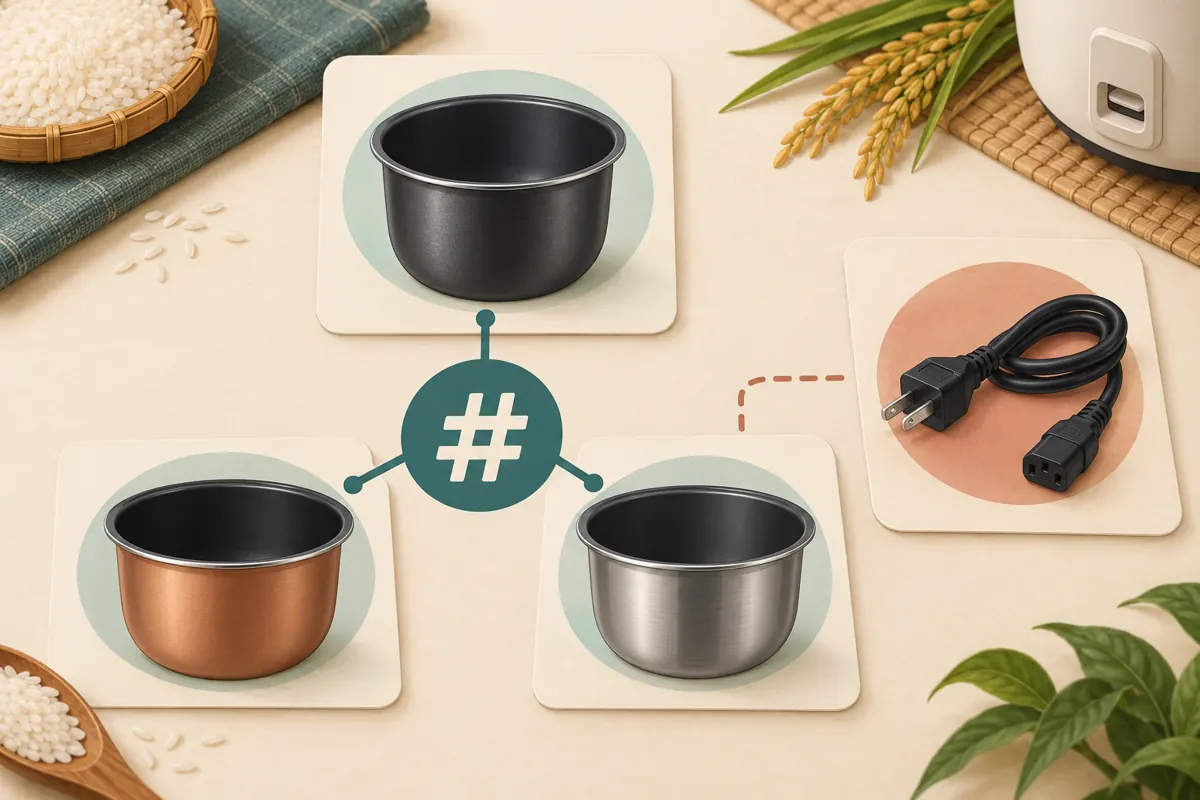
For the hypothetical catalogue, use #InnerPots as the product-family tag and #PotGuide for identification guidance. These are editorial examples, not official Telegram categories. Keep item references such as IP-A and IP-B in ordinary caption text so staff can identify a specific photograph during an enquiry. A tag groups messages; an item reference distinguishes products. Giving those two elements separate jobs prevents every small variation from becoming another category.
Choose customer-facing wording according to the language people use when contacting the shop. A business serving Khmer-speaking buyers should provide understandable Khmer explanations, even if its internal references use Latin letters. Copy the approved tag from a shared reference instead of retyping a different spelling each time. If using Khmer tags, test the exact spelling and tap behavior before applying them widely. Avoid introducing several synonymous tags merely because different employees prefer different terms; agree on one consistent route through the catalogue.
4. Give every tagged post enough information to stand alone
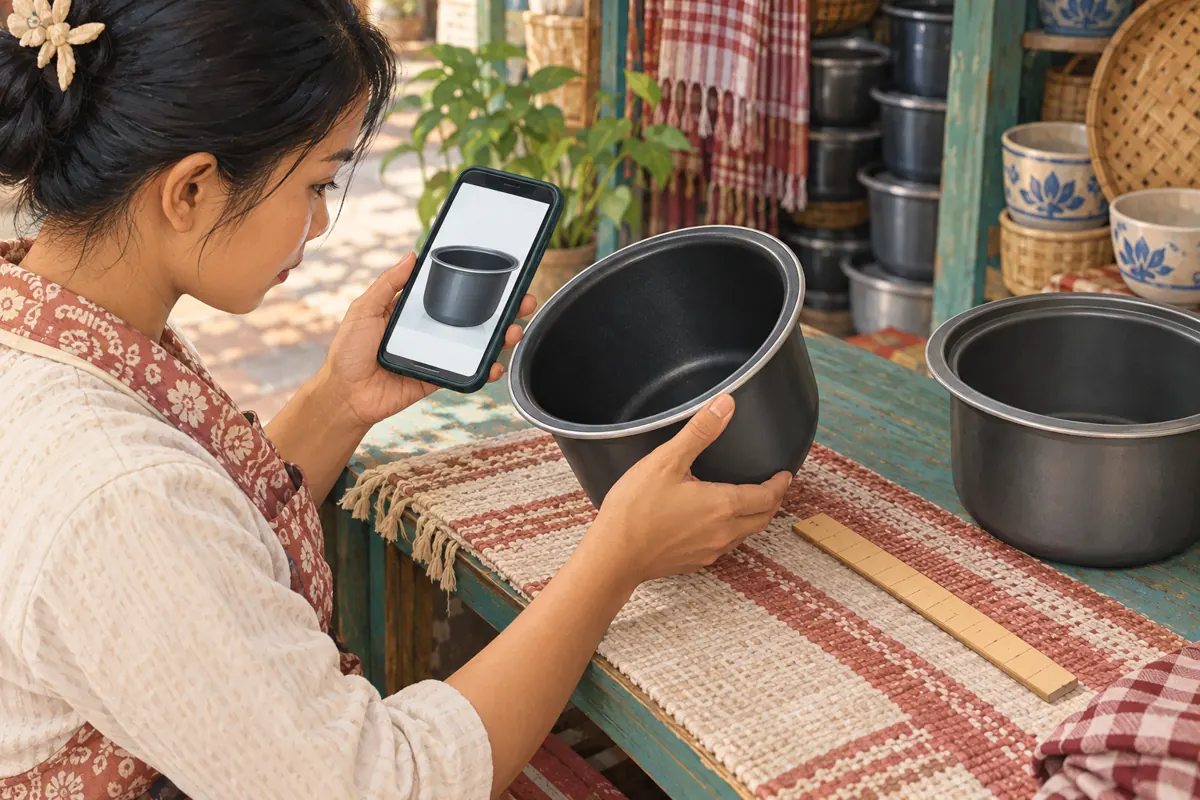
A useful inner-pot post should identify what is pictured, provide the shop’s item reference and explain what remains unconfirmed. Show the rim, side profile and base where those views help distinguish the product. Use verified product information for compatibility statements. Similar appearance or nominal capacity alone should not become a promise that a replacement suits a particular cooker. The hashtag gets someone to the comparison; it does not perform that comparison.
A hypothetical caption could read: “Replacement inner pot, reference IP-A. Photos show the rim and side profile. Please send the cooker model and a clear photograph of the existing pot before we confirm suitability and current availability. #InnerPots.” Add specifications only when the shop has checked them. Keep price conditions, included components and collection information explicit where applicable. A customer opening this post from search should not need to reconstruct essential conditions from several unrelated messages.
5. Test retrieval with realistic customer tasks
Apply the proposed tags to a small set of relevant posts first. Open the channel on a phone, tap the family tag and check that the expected messages appear in the channel’s results. Inspect each returned post for a clear item reference. Then ask a colleague who did not organize the catalogue to find an inner-pot example and locate the instructions for asking about compatibility. Observe where they hesitate instead of explaining the route in advance.
Include an unsuitable search task in the test: ask the colleague to find a power cord. The inner-pot category should not become a collection of everything sold by the shop. If tapping a tag presents broader results, practice returning to the channel’s own search and entering the same tag there. Record the working instruction in plain language. Test again after changing a tag or reorganizing a substantial part of the catalogue, rather than assuming yesterday’s instructions remain clear.
6. Promote the search route with a useful reason to visit
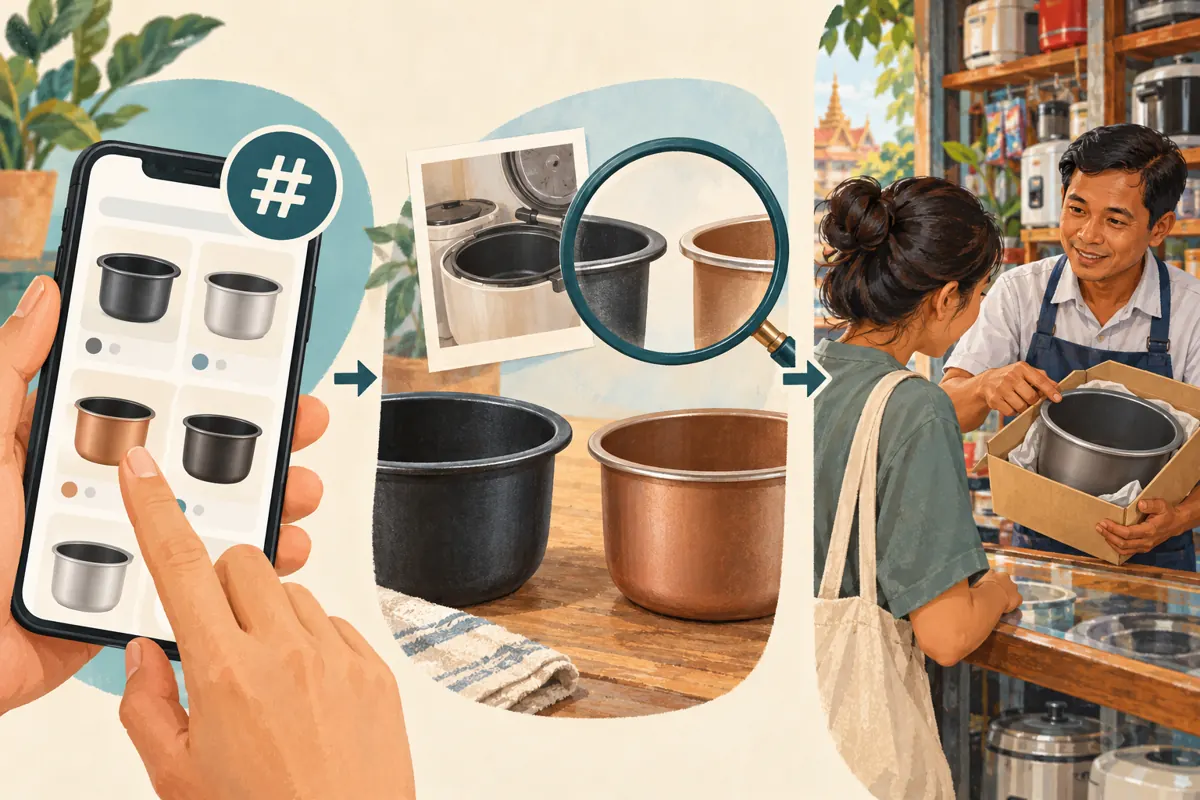
Once retrieval works, make the invitation specific. A hypothetical promotional message might say: “Looking for a replacement inner pot? Open our Telegram channel, search #InnerPots, and send us the item reference with your cooker model for a suitability check.” This gives the visitor a sequence they can follow. It also explains why browsing the channel is worthwhile without suggesting that every pictured pot is interchangeable or immediately available.
Use an actual current product photograph for the business’s promotion, with permission to publish it. The editorial illustrations accompanying this article explain the workflow; they are not evidence of a shop’s stock. Place the search instruction where incoming visitors will encounter it, and ensure staff can supply the channel link without hunting through old conversations. For customers arranging collection in Phnom Penh or delivery to another province, confirm those arrangements separately after identifying the relevant item.
7. Turn a found post into a precise enquiry
The next step should collect the information needed for a decision. Ask the buyer to identify the catalogue item and send the cooker model or relevant label details, plus a clear photograph of the existing pot. Explain which view is missing if the first image does not show enough. Keep unnecessary personal details out of public discussions. Staff should distinguish an identification request from a confirmed order, especially when several similar pots are being discussed.
In the hypothetical shop, a customer sends reference IP-B but photographs a pot with a different rim. The useful outcome is discovering that mismatch before arranging payment or collection. Staff can explain what additional evidence is needed or say they cannot confirm a suitable replacement. Do not treat every completed search as a sales opportunity that must be closed. Accurate refusals and clearer questions are also signs that the catalogue is helping people make informed decisions.
8. Evaluate SMM panel services against this actual task
One relevant public catalogue title supplied for lao-smm.com is “Telegram - Post Views - [ LAST 5 POST ]”. Its wording identifies a post-view offering associated with the last five posts. The supplied brief contains no accompanying description, so the title alone does not establish how posts are selected, when that selection occurs, or what other conditions apply. Obtain those details before making any purchasing decision. Do not assume the service targets the particular catalogue post a customer needs.
For example, if recent posts include a collection notice and an identification guide, a service referring to the last five posts may not align with a single-product promotion. Resolve that uncertainty rather than rearranging the channel to chase a counter. Purchased engagement is not evidence of genuine interest, sales, ad delivery or Cambodian users. It also does not show that visitors used the hashtag successfully. Keep any service delivery record separate from your assessment of catalogue usability, and check applicable platform rules and service terms before considering an order.
9. Keep category membership separate from availability
A product-family tag should describe the subject of a post. It should not silently mean that the item is currently available. If a photographed inner pot sells out, the post may still be useful for identifying the shape, provided its status is clear. Review the caption and any promotional message that points to it. Where the product is no longer supplied, explain that clearly rather than letting an old catalogue entry imply a current offer.
Assign one person to maintain the tag vocabulary and another to flag stock or specification changes if the team is large enough. In a smaller shop, these can be two steps in the owner’s routine. When a replacement product differs, give it a distinct reference instead of reusing the old identity without explanation. Before a new promotional push, check the posts customers are most likely to find, including older examples that remain useful in search.
10. Judge the workflow by the questions it helps resolve
Keep a simple enquiry log containing the referenced item, missing identification information and next action. Record whether someone supplied the catalogue reference voluntarily or needed help finding the post. These observations can reveal practical problems: perhaps customers find the family easily but cannot distinguish the rim photographs, or perhaps the search instruction uses a term they do not recognize. Change the corresponding content instead of adding more tags by default.
Common mistakes include tagging every post with every category, inventing fresh spellings during each upload, using stock-status tags that nobody maintains, and treating rising view counts as proof that navigation improved. Avoid declaring a successful sales result from a few anecdotal conversations. The most defensible conclusion may be narrower: staff can now retrieve the relevant posts consistently, while customer compatibility questions still need better photographs. That finding gives the next content task a clear purpose.
Frequently asked questions
Should every inner pot have its own hashtag?
Usually start with a shared product-family tag and a distinct item reference in each caption. A separate hashtag becomes useful only when several messages about the same item need to be retrieved together. Creating a tag for every isolated photograph can make the system harder to explain and maintain without improving the buyer’s search.
Can the shop use both Khmer and English tags?
It can test a bilingual approach, but each additional tag creates maintenance work. Begin with wording customers understand and verify that the exact tags behave as expected in the app. Explain their meaning in ordinary caption text. Keep product model identifiers unchanged, and avoid assuming that a translation automatically makes two different tags retrieve the same posts.
Does finding a pot with the same capacity confirm that it fits?
No. Treat the search result as a candidate for review. Ask for the cooker model and relevant product details, then consult reliable compatibility information. Photographs and measurements can help identify differences, but they should not be presented as a universal fit test. If the shop cannot confirm suitability, say so before accepting the order.
What if customers still send screenshots instead of item references?
Use the screenshot to identify the post, then reply with the item reference and the next information needed. Check whether references are easy to notice in the captions. A system is useful when it supports customers’ actual behavior; it does not require every buyer to follow the same route perfectly.
Can purchased Telegram views prove that the hashtag system works?
No. A delivery record and a navigation test answer different questions. Evaluate search by checking whether people can locate the relevant posts and provide usable item references. Evaluate enquiries through the information customers actually supply. Neither purchased views nor a larger counter establishes Cambodian audience origin, confirmed compatibility, genuine demand or completed sales.
Explore the current service catalogue, create an account, or ask a specific question through support tickets.
Prepared with AI assistance. Illustrations explain the workflow and do not represent customer results.