21/10/2026 03:18
Which Batch Was in That Photo? Telegram Media Calendar Checks for Cambodian Seedling Nurseries
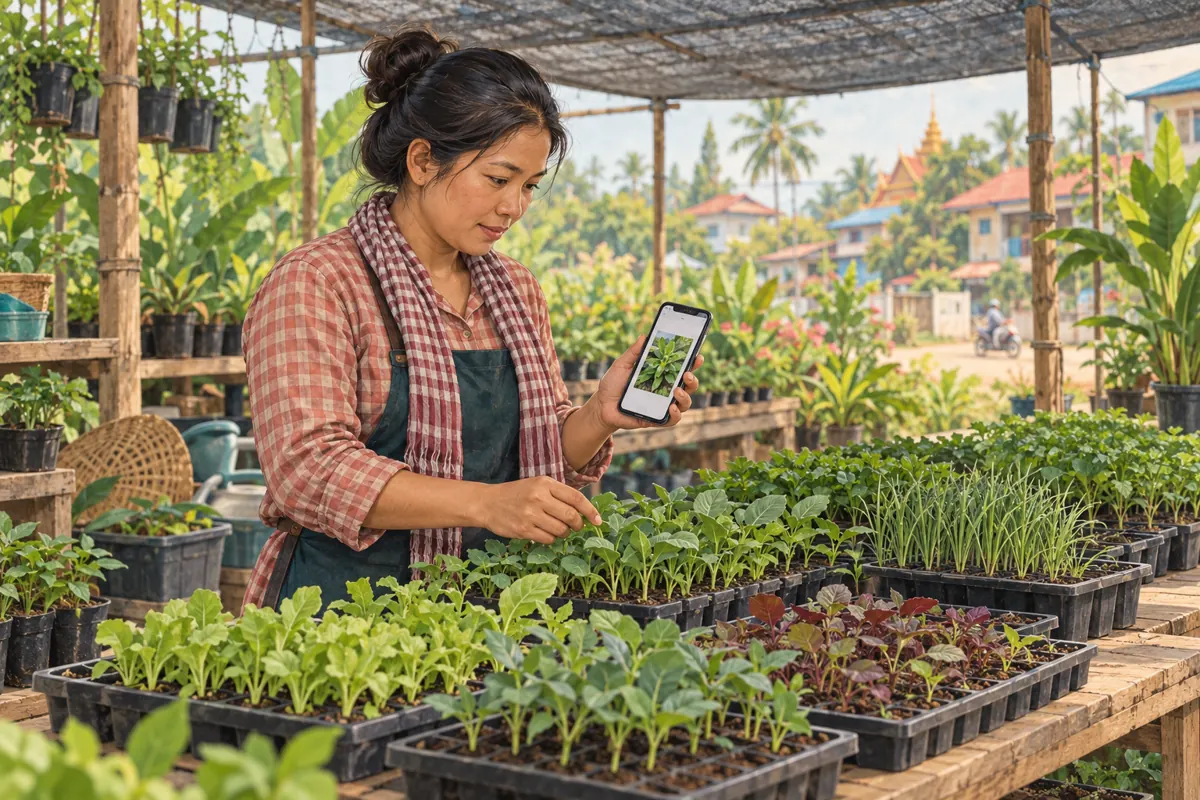
A customer remembers the seedling tray your nursery posted before a holiday, but nobody remembers the caption. Scrolling through months of Telegram messages takes time, and finding a familiar photograph can create a second problem: staff may treat it as a picture of stock available today. For Cambodian nurseries promoting plants through Telegram, a useful workflow connects date-based photo retrieval with a physical stock check. This guide explains how to recover the right image, identify what it actually shows, and decide whether to reuse it, label it as an older example, or photograph the current batch before further promotion.
1. Start with the buyer’s question
Before searching, establish what the customer wants to recover. Are they asking about a variety, the size of the seedlings, the tray format, or the exact batch previously offered? These are different questions. An old photograph might explain the packaging while being unsuitable for confirming the plants now available. Ask for the approximate posting period and one memorable visual detail, such as a blue bench or a round carrying basket.
In a hypothetical example, a nursery near Battambang receives a message asking for “the chilli seedlings shown before the holiday.” The employee records the likely month, the black tray visible in the picture, and the customer’s question about collection. That short search brief is more useful than assuming every chilli photograph refers to the same offer. Keep any eventual reservation separate until someone has checked stock.
2. Use the media calendar to narrow the search
Telegram’s official shared-media guide describes opening a chat’s media collection by tapping its header and scrolling down. In shared media, the date bar provides a route to a calendar with daily media previews. Select a likely date to inspect the media from that day. Telegram also documents filters for photos, videos, or both. Interface placement can differ, so check the controls visible in your app.
Open the nursery’s relevant channel or chat first. Search the likely posting period, then widen to nearby days if needed. Choose photos when the customer remembers a still image; include videos when they remember movement. If the calendar is not visible on the device being used, browse the media collection around the same period. Once a candidate appears, inspect its message context before using it in a customer reply.
3. Separate posting date, capture date and stock-check date
A date in the conversation tells you where the image sits in that conversation. Do not automatically treat it as the day the photograph was taken. Someone may have shared an older camera image, reused an earlier promotional picture, or posted a supplier sample. The capture date can remain unknown even when the message date is clear. Record that uncertainty instead of filling the gap with a guess.
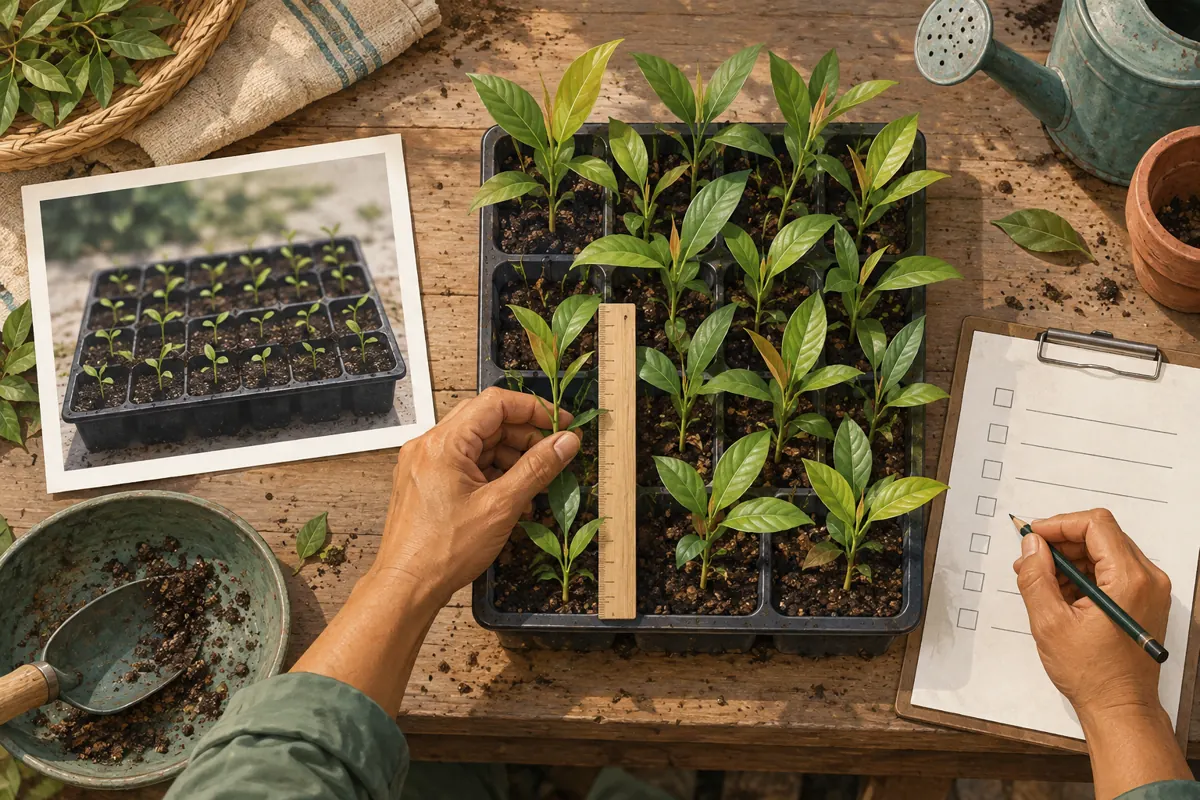
Use three separate entries in your working note: when the message appeared, when the photograph was taken if reliably known, and when someone last checked the plants. These dates answer different questions. In the hypothetical nursery example, an employee finds the remembered post but cannot establish its capture date. The picture can help identify the customer’s reference; it cannot establish the present condition of a batch.
4. Identify the batch using more than appearance
Read the accompanying caption and relevant nearby messages. Look for a variety name, batch reference, container type, sales unit, or an explicit statement that the photograph is only an example. Similar-looking leaves are not enough to establish identity. Ask the nursery worker responsible for that batch to compare the post with the nursery’s own records. Avoid turning a visual resemblance into a confident product claim.
Next, check the actual plants. Confirm whether the same batch remains, whether any trays are reserved, and whether their size or condition has changed. A stock sheet may help locate them, but a person should verify what can actually be offered. If the original batch has gone, explain that clearly. A replacement batch deserves its own description even when the nursery uses the same familiar variety name.

5. Choose whether to reuse, relabel or replace
Reuse an older image when it still accurately explains an enduring detail, such as how a carrying tray is arranged, and when the caption makes its role clear. Relabel it when it is useful as an archive example but does not represent current stock. Replace it when the buying decision depends on present plant size, condition, packaging, or the specific batch. If identity remains uncertain, pause the promotional use.
For the hypothetical Battambang nursery, suppose the remembered batch has sold and the current seedlings are visibly taller. A fresh photograph is the practical choice for a new sales post. The older image can still be used privately to confirm which post the customer remembers, with an explanation that it shows the previous batch. This preserves useful context without making the old photograph carry a new availability claim.
6. Write a caption that resolves the uncertainty
A useful nursery caption identifies the plant, explains what the photograph represents, and states the next step for checking availability. Where a price is included, make the sales unit and currency explicit. Clarify whether customers are enquiring about individual plants, filled trays, or a different package. Include a collection area or delivery enquiry route only when the business can provide it. Do not let an attractive photograph substitute for these details.
A hypothetical draft might say: “Current chilli seedling batch photographed this morning. Please message with the quantity you need and your preferred collection day so we can check availability. A tray enquiry is not a confirmed reservation.” Use “this morning” only when verified, and replace relative wording with an actual date when the post may circulate later. For Khmer-speaking customers, have the caption checked for local plant terminology and clear sales units.
7. Keep SMM service decisions downstream of the stock check
The supplied lao-smm.com catalogue includes the exact public service name “Telegram - Premium views - [ MIXED COUNTRY ]”. It is listed as a Telegram views service, but the brief provides no description. Its title alone does not verify how delivery works, who sees a post, or whether any audience is Cambodian. Do not convert the words in a catalogue label into a claim about genuine prospective nursery customers.
If considering an SMM panel service, first settle which public post accurately represents the offer. Review the current service requirements and applicable platform rules before deciding whether to proceed. Keep any service record separate from stock, enquiries and reservations. Purchased engagement is not evidence of genuine interest, sales, ad delivery or Cambodian users. A views service cannot identify the old batch, update the photograph, or confirm that seedlings are available for collection.
8. Promote the corrected offer with a useful next step
Once the image and offer agree, share the relevant post through the nursery’s established customer-facing channels. Give interested readers a concrete action: ask about a variety, request a current batch photograph, or submit a quantity for checking. Choose the action that staff can actually handle. If nobody can confirm delivery that day, do not make delivery confirmation the main promise of the promotion.
Telegram’s Channels FAQ advises against sending unsolicited channel links or messages to strangers. Use places where sharing is permitted and relevant. A nursery might display its channel details at its own counter or send the requested post during an existing customer conversation. For someone who arrived through an old image, explicitly connect the answer to the current offer so they understand which batch and terms now apply.
9. Judge the workflow by resolved questions
Keep a small enquiry log showing the photo the customer referenced, the question they asked, and whether staff resolved it. Useful outcomes include identifying the requested variety, explaining that an old batch has sold, or checking a collection request. Record confirmed orders separately. A customer who receives a clear answer but does not buy still reveals whether the content helped them understand the offer.
Telegram explains that channel view counts are approximate and include views of forwarded copies. They should not be read as a count of distinct local buyers. If an older post gains attention after being shared again, investigate the questions arriving from it before drawing conclusions. Repeated uncertainty about tray contents suggests the next photograph needs a clearer composition. Repeated availability questions suggest the offer needs a more explicit date or stock-check instruction.
10. Prevent the same confusion next time
Keep a simple internal record for reusable nursery images: the plant or batch reference, known capture date, original message reference, and approved purpose. Distinguish a current sales photograph from a general example. Assign one person to confirm stock details before a reused image becomes a new promotion. This can be a brief note attached to normal editorial work; it does not require a complicated content system.
Common mistakes include selecting the first familiar thumbnail, copying an expired caption, treating a posting date as a capture date, and presenting a previous batch as current stock. Another is assuming that a popular image needs no further explanation. Before reusing it, ask a colleague unfamiliar with the search to read the proposed post. If they cannot tell what is pictured and what must still be confirmed, revise it.

Frequently asked questions
What if the customer remembers only a season, not a date?
Start with the broadest reliable clue, then narrow using visible details and nursery records. A tray colour, bench location or known batch arrival may help. Ask the customer to compare a small selection of plausible images rather than declaring the first match correct. If no reliable match emerges, offer a current photograph and explain the uncertainty.
Can an old photograph still be useful after the plants sell?
Yes, when it serves a clearly stated purpose such as explaining a previous tray arrangement. Label it as an older example and avoid attaching current availability language. If the customer is choosing plants by their present size or condition, provide a new photograph of the batch being offered.
Does finding the picture in the calendar prove when it was taken?
No. Treat the conversation date as a retrieval clue. Establish capture timing from a reliable original record or the person who took the photograph. If neither is available, leave the capture date unknown. The separate physical stock check is still necessary before making a current offer.
Should we buy views to make the corrected nursery post look more trustworthy?
Purchased views cannot establish trustworthiness or prove customer demand. Build the post around accurate photographs, clear batch information and a responsive enquiry process. If assessing a panel service for another purpose, review its documented terms and platform compatibility, and never present the resulting count as evidence of Cambodian buyers or satisfied customers.
What should staff do when an old picture keeps causing enquiries?
Prepare a consistent reply identifying the older batch and directing customers to verified current information. Log the recurring misunderstanding and improve the next post accordingly. If the image repeatedly causes confusion about size or quantity, show those details more clearly in the replacement photograph rather than relying on staff to explain them every time.
Explore the current service catalogue, create an account, or ask a specific question through support tickets.
- Telegram: Hyper-Speed Scrolling and Calendar View for Shared Media, Join Requests, Global Chat Themes on iOS and More
- Telegram Channels FAQ
Prepared with AI assistance. Illustrations explain the workflow and do not represent customer results.