22/10/2026 19:09
Receipt Visible Behind the Demo? YouTube Blur Checks for Cambodian Sewing-Machine Repair Shops
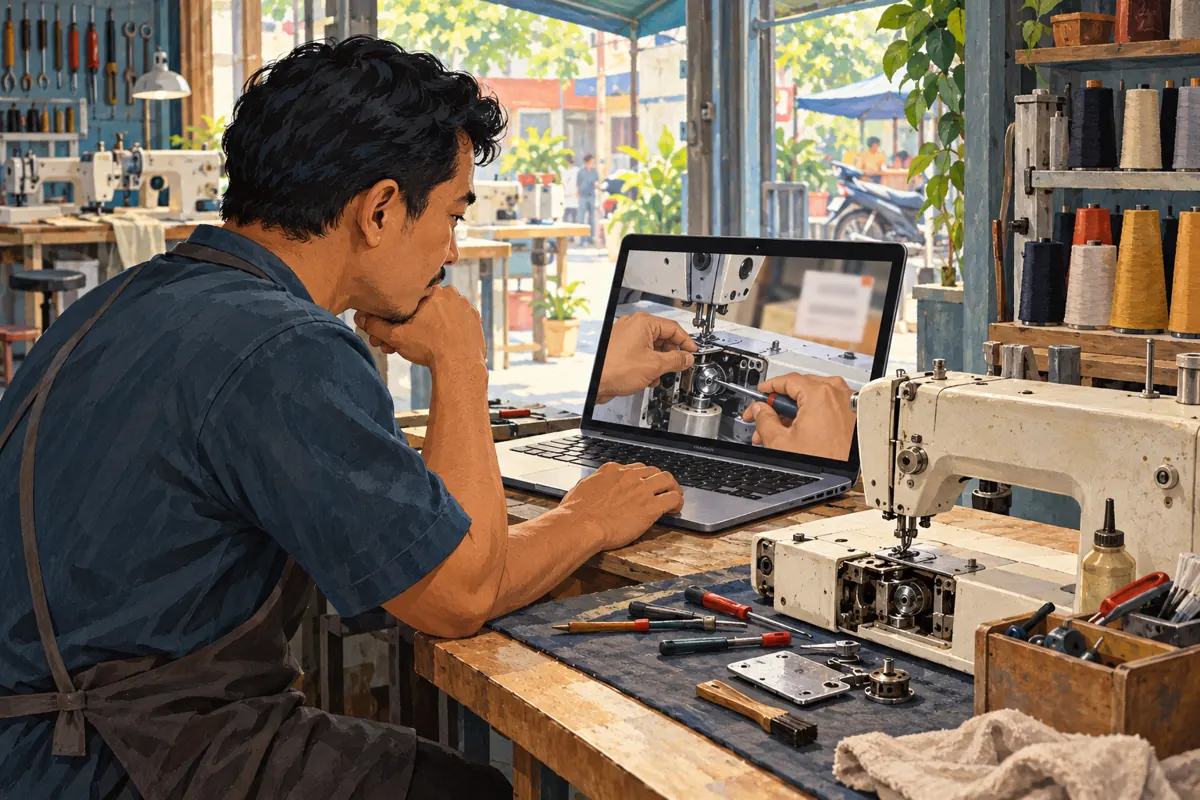
A useful repair demonstration can reveal more than the repair. Behind the sewing machine, a collection receipt might show a customer's phone number. A repair tag can swing into view when the technician turns the machine. For a Cambodian workshop promoting its services on YouTube, these background details deserve the same attention as the explanation. This guide follows a hypothetical Phnom Penh sewing-machine repair shop preparing a demonstration about uneven stitching. The aim is to preserve the useful lesson while removing unnecessary customer information, then decide whether the video and its proposed promotion are ready. The examples are illustrative workflows, not customer stories or claims of improved performance.
1. Define what the viewer actually needs to see
Start with one useful question: what should a prospective customer understand after watching? In this hypothetical demonstration, the answer is how to describe uneven stitches when asking the workshop for an inspection. The viewer needs a clear fabric sample, the relevant machine controls and an explanation of the observed problem. They do not need the owner's name, collection receipt or private repair history.
Write a short visibility brief before reviewing the footage. Divide the scene into details that explain the service and details that merely happened to be nearby. Keep model information visible when it matters to the explanation, but distinguish a model label from an individual customer's job tag. This prevents an oversized blur from hiding the very information that makes the demonstration useful. It also gives the editor a reason for each change instead of a vague instruction to make everything look cleaner.
2. Clear the filming area before relying on an edit
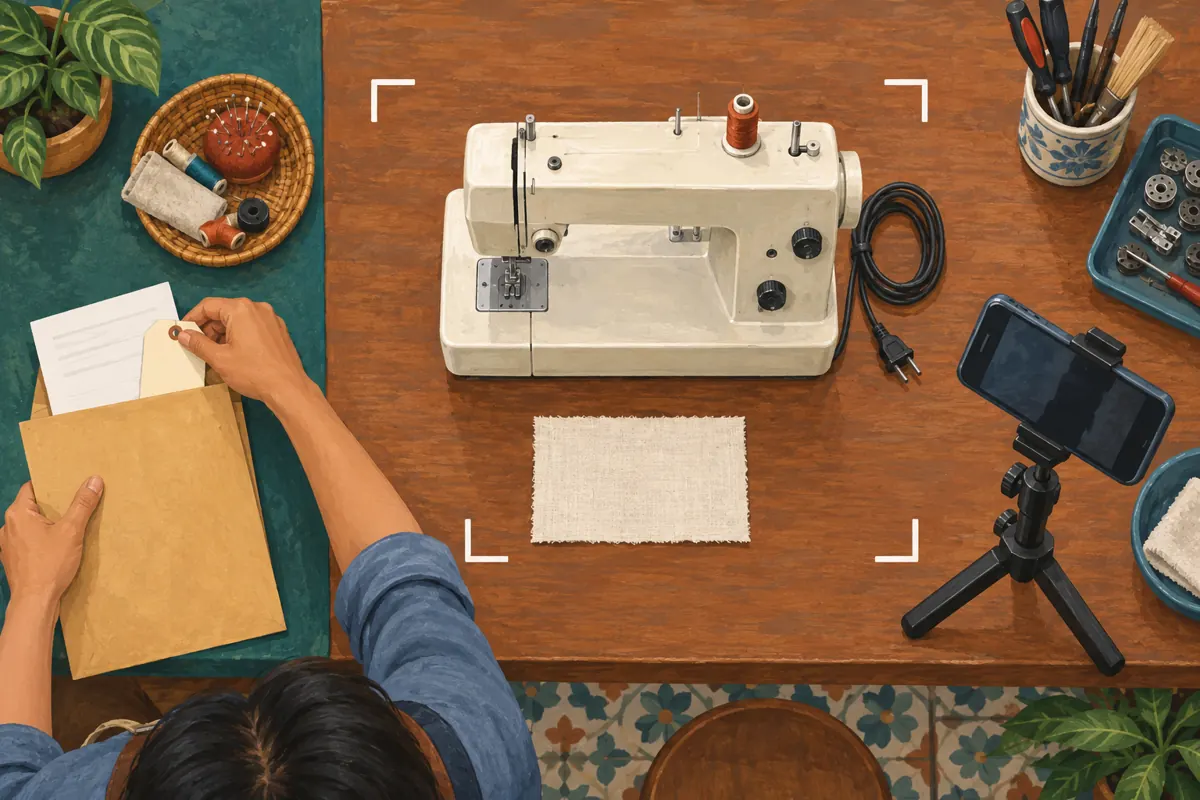
For future recordings, prepare a small demonstration area away from the intake desk. Move receipts, delivery labels, customer phones and repair notebooks outside the frame. Use a shop-owned machine or an appropriately approved example where possible. If a repair tag is necessary for internal handling, remove it temporarily only through a process that keeps the machine correctly identified.
Check the background from the camera's position, including the area revealed when someone lifts a cover or turns the machine. A drawer that looks closed from the counter may be open to the lens. Listen for colleagues reading customer details aloud nearby. These checks are especially practical in a compact workshop where intake, repairs and filming share one room. Preventing an accidental appearance usually leaves a clearer lesson than covering several moving objects later. Never obscure a defect or test result merely because it weakens the promotional story.
3. Make a short exposure map of the recorded video
Watch the complete recording once for the lesson and again for background information. On the second pass, note each detail, when it first appears, when it disappears and whether it moves. Describe the location without copying the sensitive information into your review notes. For example, write 'customer receipt behind machine' rather than transcribing the phone number.
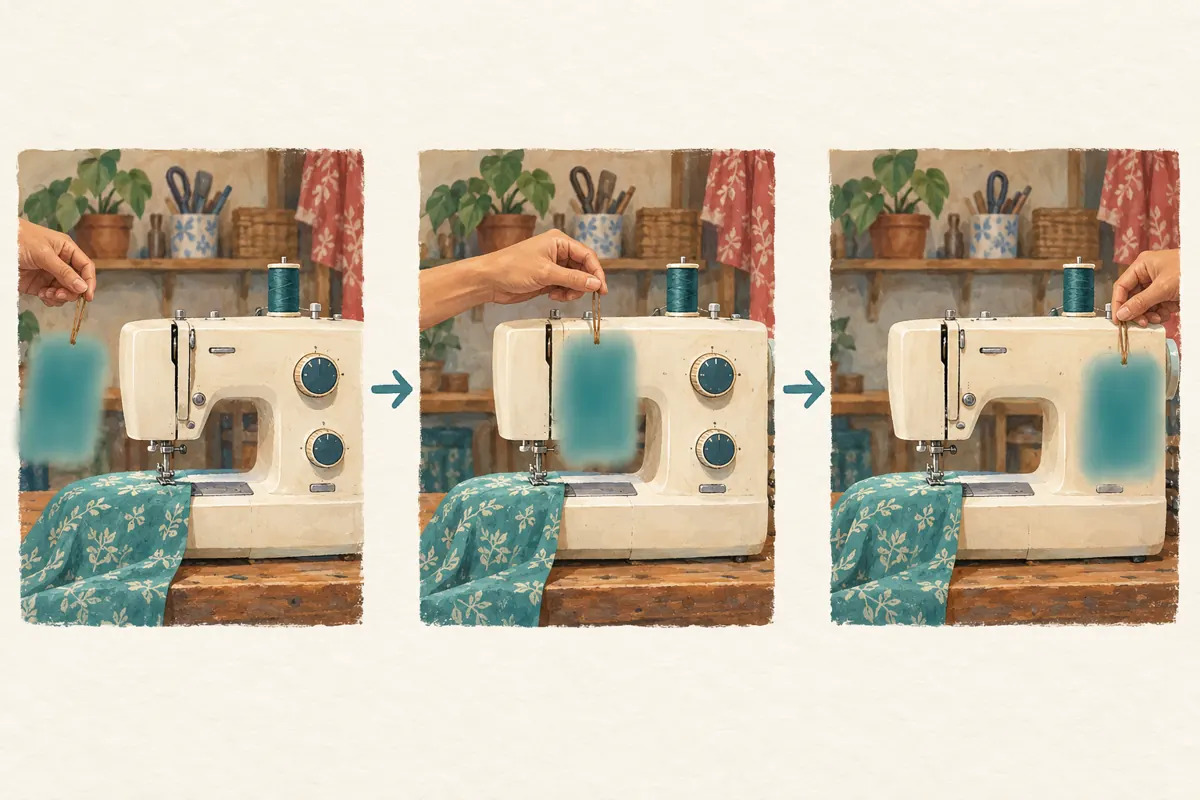
In the hypothetical workshop video, a receipt remains on the table during the opening, a repair tag moves during a close-up, and a colleague mentions a customer's name near the end. Those are three separate editing problems. A visual treatment for the receipt cannot fix the spoken name. Assign an action to each: obscure the receipt, review the moving tag throughout its appearance, and replace or remove the unnecessary spoken passage in the source edit. Keep the review note with the video version so another worker can check the same moments.
4. Choose between blurring and recording the shot again
Use a simple decision test: can the private detail be obscured while the useful action remains understandable? A stationary receipt in an unused corner may be a reasonable blur candidate. A tag repeatedly crossing the needle area is harder because covering it can also cover the demonstration. When privacy and explanation compete for the same part of the frame, recording a clean replacement shot may be the better editorial choice.
Consider the information's persistence as well. If it appears in several angles, reflections and spoken exchanges, a patch-by-patch repair becomes difficult to review confidently. Keep the original master in controlled storage before editing. Give the proposed replacement a distinct version name and identify which footage it replaces. For an already public video with exposed customer information, pause further promotion and address access to the affected version while preparing the correction; do not deliberately send more viewers to an unresolved exposure.
5. Apply the appropriate YouTube blur control
On a computer, open YouTube Studio, choose Content, select the video and open Editor. Under Blur, choose Custom blur for a receipt or repair tag. Adjust the area's position, size and shape, then set its duration on the timeline. Use Track object for movement or Fix blur position for a stationary area. Face blur is a separate option for detected faces. YouTube warns that saved Studio edits cannot be undone through Revert to original, so review carefully before saving. These controls and the save warning are documented in [YouTube's blur instructions](https://support.google.com/youtube/answer/9057652?hl=en-GB).
Treat the selected area as a proposed correction that still needs inspection. In the workshop example, cover the unnecessary customer information completely without covering the stitch sample. If you cannot achieve both, return to the replacement-shot decision. A neat-looking patch is not sufficient evidence that the sensitive detail is unreadable throughout the scene.
6. Inspect movement and the edges of each appearance
Check more than the middle of the affected passage. Inspect the first moment the receipt becomes visible, the last moment before the shot changes, and any point where a hand passes in front of it. For a moving tag, examine turns, sudden movement and reappearances after obstruction. Your review question is concrete: does any readable fragment escape the covered area?
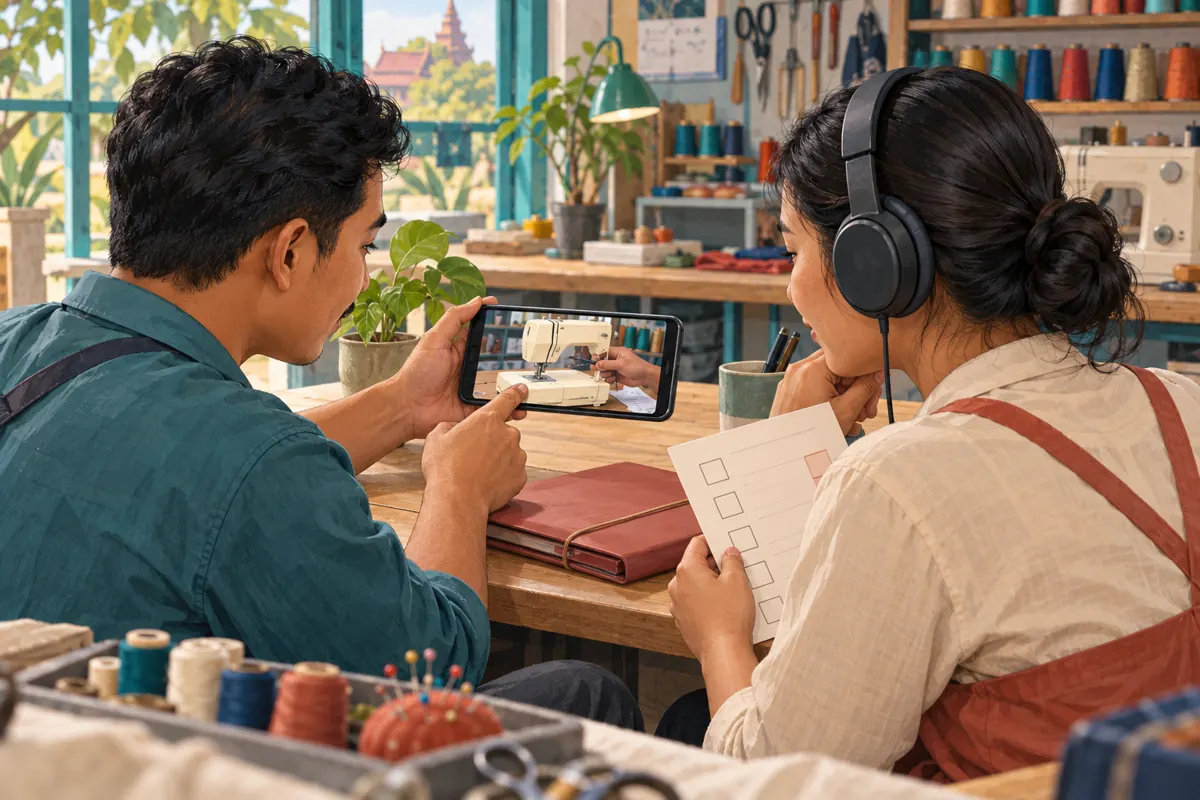
Then watch normally to assess whether the lesson still works. A technically covered tag may leave a distracting patch over the machine control the speaker is describing. Ask a colleague who did not make the edit to explain what the video teaches. If they cannot identify the demonstrated part, the privacy correction has damaged the explanation. Improve the shot or simplify the sequence. Do not accept a weak demonstration merely because editing it took time; the audience only sees the finished result.
7. Review speech, captions and promotional copies separately
A visual blur is only one part of this workshop's review. Listen with headphones for names, phone numbers, collection arrangements or conversations unrelated to the lesson. Read any captions and look at the thumbnail, description and promotional stills. For Khmer speech accompanied by English model terminology, use a reviewer who understands both the conversation and the product reference rather than assuming unfamiliar words are harmless.
Keep a list of the versions prepared for other channels. A short excerpt intended for Facebook or a still image for Telegram may come from an earlier, uncorrected export. Correcting the main YouTube video does not establish that those separate files are ready. Match each planned promotional asset to its reviewed source version. Ask colleagues to send prospective customers the approved demonstration rather than forwarding an old copy from a personal phone. This is a practical version-control habit, not a reason to collect more customer information.
8. Separate video readiness from an SMM service decision
A corrected video is not automatically suitable for every promotion method. The supplied catalogue includes the exact listing 'YouTube Like ~ Max 500k ~ 50k/days ~ Instant ~ 𝐍𝐎 𝗥𝗘𝗙𝗜𝗟𝗟'. Its title and category identify it as a YouTube likes listing, but its description is empty. The title is not independent evidence of delivery speed, quality, customer origin or platform approval. Nothing supplied establishes that it reaches Cambodian repair customers.
YouTube prohibits artificial increases in engagement metrics and warns that a hired promoter's methods can affect the channel. That makes the method a decision point before any order, not merely a reporting detail afterward. See [YouTube's fake engagement policy](https://support.google.com/youtube/answer/3399767?hl=en-419). Do not order artificial engagement to make the corrected demonstration appear trusted. Purchased engagement does not establish genuine interest, sales, ad delivery or Cambodian users. If the proposed service cannot meet platform requirements, stop that request and choose a compliant way to distribute the useful video.
9. Give the promotion colleague a clear release decision
Prepare a brief handover containing the approved video reference, the review date, the person responsible and any outstanding issue. Describe the outcome specifically: 'receipt obscured throughout its appearance; spoken passage replaced; final playback checked.' Avoid statements such as 'privacy guaranteed' or 'all versions fixed' unless the scope actually supports them. Keep customer records out of the promotional handover.
For the hypothetical workshop, the next public message could explain that the demonstration helps customers describe a stitch problem before requesting an inspection. It should not promise that the same adjustment solves every machine fault. Invite viewers to provide the machine model and a clear description through the shop's chosen enquiry route, without posting receipts or personal information publicly. A useful release decision connects the content to an honest customer next step. It does not depend on a like count or a panel order being completed.
10. Check the finished experience and learn from enquiries
After processing, watch the finished video rather than relying solely on the editing preview. Review it on a phone for ordinary viewing and on a larger display for small details. Confirm that the intended correction appears and that the demonstration remains understandable. If something is wrong, hold the promotional handover until the published experience has been checked again.
Once the video is ready, assess the questions it generates. Are people describing the stitch problem more clearly? Do they still confuse the model label with the repair tag? Record these as observations from actual conversations, without claiming that a small set represents all Cambodian viewers. Keep enquiries, inspection bookings and completed repairs as separate outcomes. If a panel service record exists, keep it separate too: delivery records cannot demonstrate that someone understood the lesson or chose the workshop because of it.
Frequently asked questions
Should we blur the entire machine label?
First identify what the label contains. A model reference may help viewers describe their machine, while a customer job sticker serves an internal purpose. Preserve useful product information where appropriate and remove unnecessary customer details. If they overlap, record a clean explanatory close-up instead of making the whole area unreadable.
Is a receipt safe because it looks tiny on a phone?
Small appearance is not a reliable review standard. Inspect the clearest available version on a larger display and pause where the paper is most visible. If the receipt contributes nothing to the explanation, removing it before filming or fully obscuring it avoids depending on viewers overlooking it.
Can we restore the original after saving a Studio blur?
YouTube's current blur guidance says saved Editor changes cannot be undone through Revert to original. Preserve your own master before editing, inspect the proposed correction carefully and avoid treating the platform editor as your only archive. A retained master should have appropriately restricted access if it contains customer details.
What if the name is spoken as well as visible?
Handle the audio separately in your source editing workflow and review the accompanying captions. Covering the paper does not resolve the spoken disclosure. Where the passage adds nothing to the lesson, replace it with a clean explanation or remove it while preserving the sequence's meaning.
Would buying likes help restore confidence after a correction?
A purchased count cannot demonstrate that customer information was handled correctly or that viewers trust the workshop. Verify the correction, communicate accurately where needed and provide a useful demonstration. Follow YouTube's engagement rules and judge business response through genuine enquiries and separately confirmed service outcomes.
Explore the current service catalogue, create an account, or ask a specific question through support tickets.
Prepared with AI assistance. Illustrations explain the workflow and do not represent customer results.