22/10/2026 09:38
Reveal the Design, Keep the Details Clear: Telegram Spoiler Photos for Cambodian Gift-Box Shops
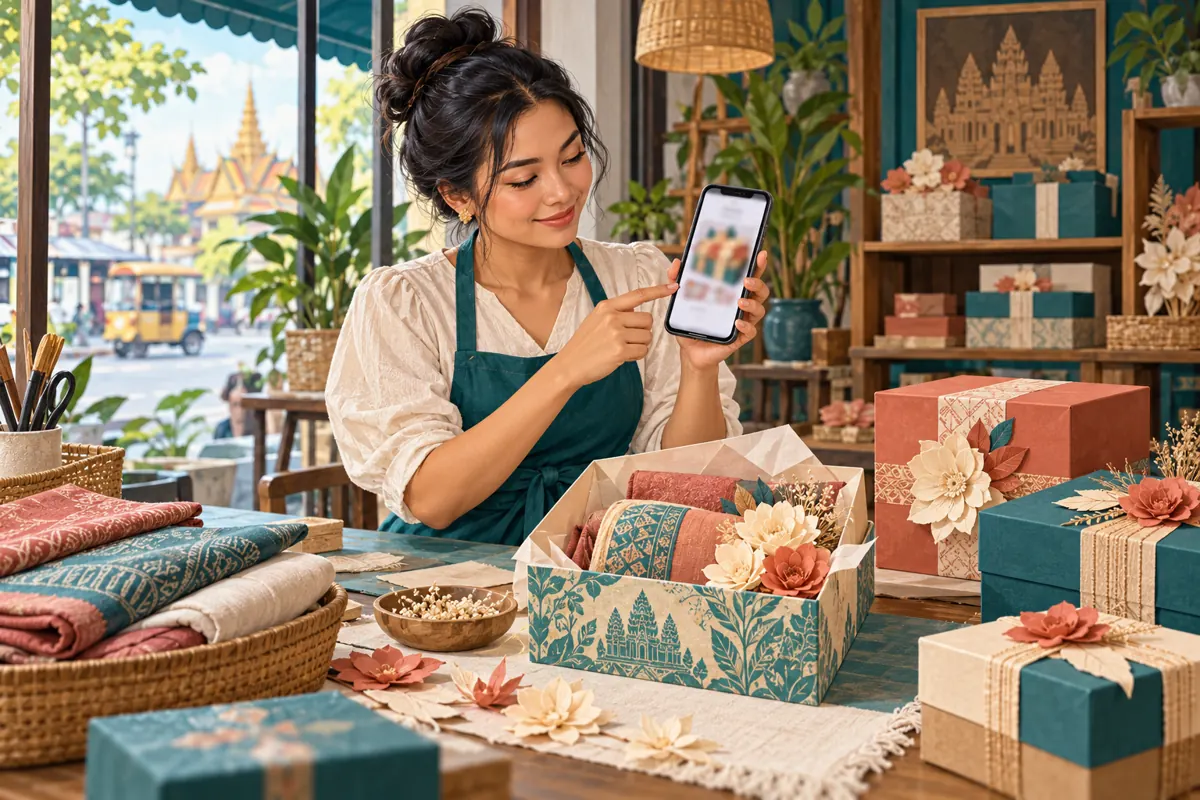
A gift-box reveal can be enjoyable without making customers hunt for basic information. For a Cambodian shop selling handmade presentation boxes, the surprise might be the arrangement inside: folded fabric, paper flowers or a coordinated colour theme. Buyers still need to know what is included, whether the design is available and how to request a quote. Telegram’s spoiler effect offers a way to make that visual reveal optional. This guide explains when to use it, how to prepare the post, and how to assess the response without confusing curiosity, purchased engagement and actual orders.
1. Start with a reason to conceal the picture
Use a spoiler when seeing the finished arrangement is genuinely optional. A seasonal design reveal or the answer to a packaging challenge can justify an extra tap. A photograph showing box dimensions, a damaged corner or the difference between two materials usually cannot. Those images help someone make a decision and should be immediately understandable.
Consider this hypothetical example: a Phnom Penh gift-box workshop introduces a new fabric-and-flower arrangement. It can show the closed box openly and offer the interior as an optional reveal. Its ordinary catalogue photograph should remain available for shoppers who want to compare products quickly. Give the reveal a defined role within the promotion instead of turning every product image into a mystery.
2. Understand the effect before building the campaign
Telegram’s official Hidden Media announcement explains that photos and videos can be covered by a shimmering spoiler layer, which recipients tap to reveal. It also documents selecting media in the attachment menu, opening the options menu and choosing “Hide with Spoiler.” These instructions establish the feature’s basic behaviour; check the labels and placement in the app version your shop actually uses.
Treat this as a presentation choice. If a design must remain confidential until a customer approves it, keep it out of the public post. A useful editorial test is whether you would be comfortable with every reader seeing the underlying photograph immediately. If the answer is no, changing the photograph or delaying publication is the appropriate next step.
3. Separate the surprise from the purchasing information
Before writing the caption, divide the information into two groups. The optional surprise is the appearance of the arrangement. Essential information includes the product category, included items, available options, ordering conditions and next action. Put those essentials in ordinary visible text. A person who skips the reveal should still understand what the shop offers.
For the hypothetical workshop, a useful draft could say: “Optional reveal: the new fabric-and-paper-flower arrangement is inside. This is a display sample. Message us with your preferred colour, quantity and collection date for availability and a quote.” Replace that wording with the shop’s verified facts. If the image contains decorative items excluded from the sale, name those exclusions before asking someone to enquire.
4. Photograph a sample that is safe to show publicly
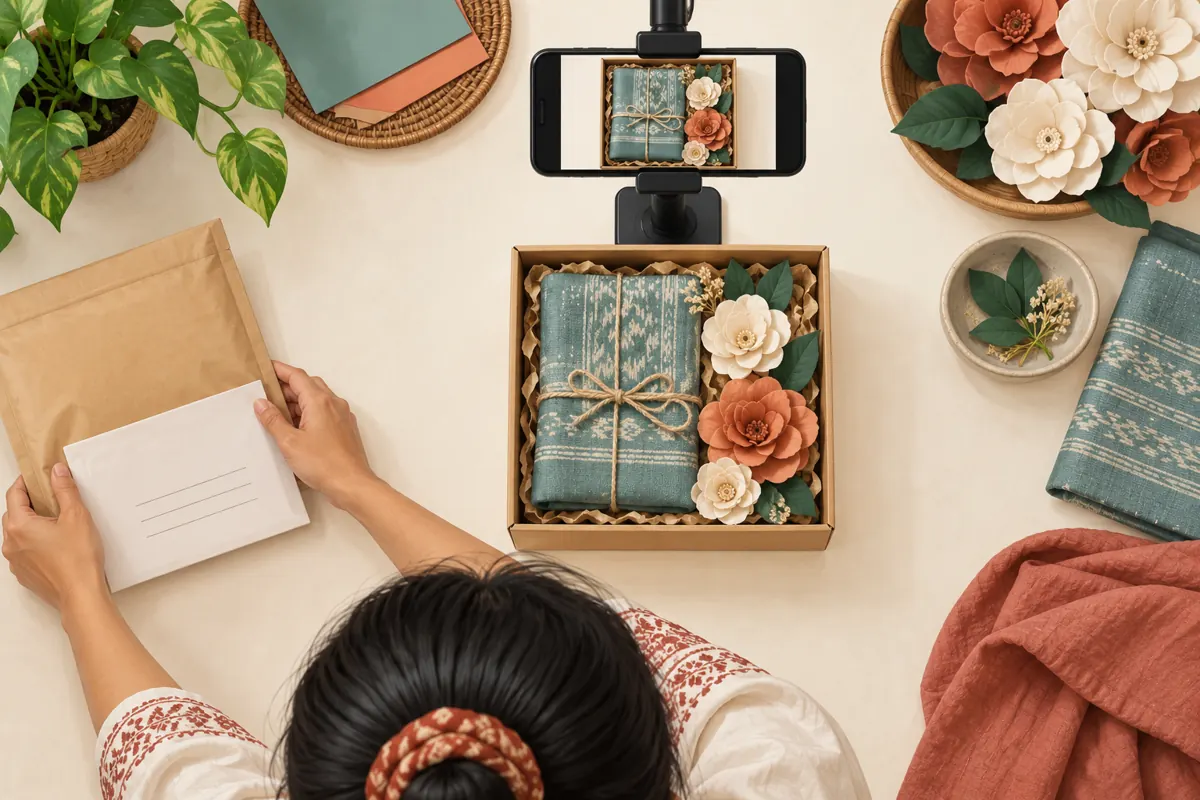
Build a clean sample rather than photographing a completed customer order by default. Remove delivery slips, personal greetings, names and order notes from the scene. Check the background as carefully as the box itself: a worktable can contain another customer’s paperwork or a personalised item waiting for collection. Review the full-resolution image before selecting it for the post.
Use lighting that lets readers judge the materials without exaggerating their finish. If the photograph shows a prototype, say so. If colours or components may vary, explain which parts require confirmation. Do not use the reveal to disguise substitutions or make an ordinary sample appear exclusive. For a customer’s commissioned design, obtain appropriate permission before using it in promotion, even after removing identifying details.

5. Draft the post and test the reader’s experience
Prepare one approved photograph and its caption together. Follow the attachment-menu workflow described above, then test the draft in a private staff space before preparing the public version. This rehearsal is for checking presentation, not storing confidential customer material. Use a colleague who has not helped write the caption so the review resembles a first visit.
Ask the colleague to explain what is being sold before opening the picture. Then have them inspect the design and describe the next step they would take. If they cannot distinguish a sample from available stock, revise the wording. If they expect the displayed accessories to be included when they are not, correct that ambiguity before promotion. Finally, check the actual public post after publication rather than assuming the rehearsal proves every detail transferred correctly.
6. Write for the Cambodian customers you serve
Choose caption language from the customers the shop actually supports. A business serving Khmer-speaking buyers should prepare clear Khmer wording, with any additional language added because it helps those readers. Keep the product reference consistent across versions. Avoid translating a sample name in several different ways, which can make staff think customers are asking about different arrangements.
Local practical details matter more than suspenseful copy. State whether collection is at the shop or whether delivery must be arranged separately. When mentioning a price, identify its currency and what it covers. Use an explicit date for time-sensitive availability. Do not imply that every Cambodian province is served unless the business can fulfil that promise. The reveal can be playful; the transaction details should be precise.
7. Give interested readers a small, useful next step
A request for “more information” leaves the customer and shop to negotiate what information is missing. Instead, ask for a few details that enable a relevant reply: the sample reference, preferred quantity and intended collection date. Request the delivery area only if it affects fulfilment. Leave personal recipient information for the appropriate private ordering conversation.
In a hypothetical Siem Reap shop, a customer might ask whether the revealed arrangement can use a different fabric colour. Staff can acknowledge the requested change, check materials and provide an updated proposal. That conversation is an enquiry, not a reservation. Confirm the final contents, price and fulfilment arrangements through the shop’s normal process before treating the order as accepted. A reaction beneath the photo cannot replace those confirmations.
8. Review SMM services against the actual objective
The supplied public catalogue includes the exact service name “Reactions + view posts | ☃️” under a Telegram reactions-and-views category. Its description is empty. The listing identifies a broad service type, but it provides no supporting explanation of audience location, delivery method or whether anyone will open a concealed image. Do not fill those gaps with assumptions based on the title.
If the objective is qualified gift-box enquiries, a reaction or view service does not establish that outcome. Purchased engagement is not evidence of genuine interest, sales, ad delivery or Cambodian users. Before considering a service, review its current terms, applicable platform rules and whether its documented behaviour serves a legitimate purpose. An unclear fit is a reason to pause the purchase.
Keep any existing panel order reference and delivery record separate from customer conversations. Never describe purchased reactions as votes from local buyers or use them to claim the new arrangement is a bestseller. No service listing establishes official Telegram affiliation.
9. Measure whether the post helped someone decide
Telegram’s Channels FAQ says channel view counts are approximate and include views of forwarded copies. That makes the counter unsuitable as a direct count of distinct prospective customers. It also does not tell you, by itself, that a reader inspected the arrangement or understood the offer. Record what the counter actually represents without relabelling it as a reveal-completion measure.
Maintain separate notes for observed post activity, useful enquiries and confirmed orders. For enquiries, record the question rather than unnecessary personal information. Repeated questions about included items suggest the caption needs work. Requests for a different size may identify a useful future sample. Compare similar posts cautiously: changes in stock, timing or price can affect responses. A small informal comparison can guide editing, but it cannot prove that the spoiler caused a sale.
10. Avoid the mistakes that turn a reveal into friction
One common mistake is hiding the only useful product photograph. Another is writing a teasing caption that never identifies what is for sale. Both require extra effort before the reader can decide whether the post is relevant. Preserve a straightforward route to the catalogue or an ordinary product explanation, especially for people comparing several suppliers.
Do not conceal defects, material limitations or exclusions as part of the surprise. Avoid invented urgency such as claiming a design is nearly sold out without a verified stock basis. Do not repeatedly send the reveal to people who have not asked for promotional messages. Telegram’s Channels FAQ specifically warns against unsolicited messages to strangers. Share through appropriate public placements and existing relationships where promotion is welcome.
11. Decide when the reveal has finished its job
Give the post a review date tied to the business purpose. Once the launch moment passes, buyers may benefit more from a clear catalogue image than a concealed design. Prepare a normal product post using the approved photograph, current availability and complete ordering information. A reveal should not become the only reference staff can send indefinitely.
Before promoting an older reveal again, check whether its sample still matches what the workshop can make. If materials have changed, show a current example and explain the relevant difference. Keep an internal note identifying the current product reference so staff do not quote from an outdated image. The useful outcome is a customer who understands the offer and can make a confident enquiry.

Frequently asked questions
Can a spoiler protect a customer’s personalised gift design?
Do not rely on it for confidentiality. Decide whether the underlying photograph is suitable for the entire intended audience. For personalised work, keep approval discussions private and use an unpersonalised sample for promotion. Removing a name may still leave a distinctive commissioned design, so permission and context matter.
Should the price be part of the surprise?
Keep essential purchasing information visible. If the product has a fixed price, state the verified amount, currency and inclusions. If customisation requires a quote, explain which choices affect it and what details the customer should send. Concealing the price creates uncertainty without helping someone evaluate the design.
Does a higher view count mean more people revealed the photograph?
That conclusion is not supported by the channel counter alone. Telegram describes views as approximate and includes forwarded copies. Treat the count as post activity, then examine actual questions and ordering conversations separately. Do not report a reveal rate unless you have a valid measurement that specifically records that action.
What if the spoiler option is missing from the shop’s app?
Check the installed app version and compare its attachment options with Telegram’s official instructions. Do not delay necessary stock or collection information while troubleshooting an optional effect. Publish an ordinary approved product image, or use a closed-box photograph followed by a clearly introduced interior photograph.
Should we buy reactions before deciding whether the design is popular?
Purchased reactions cannot answer a genuine preference question. Use direct customer feedback and clearly described enquiries to understand what people want. If panel activity has already occurred, disclose it in internal reporting so staff do not interpret the resulting count as independent customer approval or use it to justify unsupported stock decisions.
Explore the current service catalogue, create an account, or ask a specific question through support tickets.
- Telegram: Hidden Media, Zero Storage Usage, New Drawing Tools, Profile Pictures for Your Contacts, and More
- Telegram: Channels FAQ
Prepared with AI assistance. Illustrations explain the workflow and do not represent customer results.