21/10/2026 18:00
Did the Fit Condition Survive the Cut? Telegram Voice Trimming for Cambodian Door-Hardware Shops

A door handle can look right in a photograph and still be unsuitable for a customer's existing fitting. A spoken explanation helps a shop describe that distinction, but a rambling recording can bury the important condition. Trimming creates another risk: removing the opening or ending that explains when the advice applies. For Cambodian hardware businesses promoting products through Telegram, the useful goal is a complete answer that customers can understand and act on. This workflow shows how to prepare, trim and review a voice explanation before promoting it, and how to keep any SMM panel activity separate from evidence of genuine buying interest.
Start with a fitting question customers actually ask
Consider a hypothetical door-hardware shop in Phnom Penh. Customers send photographs of worn handles and ask whether a replacement will fit. The shop wants to promote a silver lever set, but the finish alone does not establish compatibility. Its next Telegram explanation should answer one narrow question: what information should a customer send before the shop recommends that set?
Write that question at the top of the recording notes. Leave delivery arrangements, alternative finishes and unrelated products for separate explanations. A focused recording gives the listener a clear next step and makes review easier. The shop can judge whether the message explains the fitting check, rather than whether the speaker managed to mention every product on the counter.
Choose audio only when it helps the explanation
Voice can be useful when a staff member explains a familiar distinction more naturally aloud than in a long message. Record in the language the intended customers understand, with product identifiers pronounced carefully. For a Khmer-speaking audience, prepare the spoken explanation in Khmer and retain an exact model name only where it helps identify the item. Do not assume every Cambodian customer prefers the same language or format.
Audio should accompany a clear product photograph and a short written summary. A customer may be somewhere they cannot listen, or may need to show the information to an installer. If the answer depends on seeing a particular opening, mechanism or measurement position, add an appropriate visual. Spoken confidence cannot compensate for a missing view of the relevant part.
Prepare three statements that must stay together
Build the recording around identification, qualification and action. Identification names the product being discussed. Qualification explains what remains to be checked. Action tells the customer what to send next. These statements form the minimum complete answer. A friendly greeting is optional; the compatibility condition is essential.
In the hypothetical shop, an English rendering of the script might read: 'This explanation concerns the silver lever set shown in this post. We need to check your existing fitting before recommending it. Send a clear photo of the handle and door edge, then we can explain which measurements are needed.' This is an illustrative script, not a claim about a particular product. Staff should replace it with wording supported by their actual stock and fitting knowledge.
Keep the qualification beside the product claim instead of saving it for a distant closing sentence. That arrangement reduces the chance that a later edit leaves an apparently unconditional recommendation.
Use Telegram's recording and trimming controls deliberately
Telegram's official voice-trimming documentation explains that the trimming option appears when you swipe up to lock a voice recording. After recording, move the start and end points to select the fragment you want to send. Telegram also documents adding further recorded sections through the microphone control. These instructions are supported by https://telegram.org/blog/direct-to-channel-trim-voice-and-more.
For shop content, make the first attempt in a private preparation conversation. Record the complete explanation, use the available controls to finish recording without sending immediately, and review the selected audio. Remove unnecessary sound before the first complete sentence and after the final useful sentence. If your app does not show the documented controls, check its version and interface before continuing; do not publish an unreviewed take simply to keep the task moving.
Decide whether to trim, keep or record again
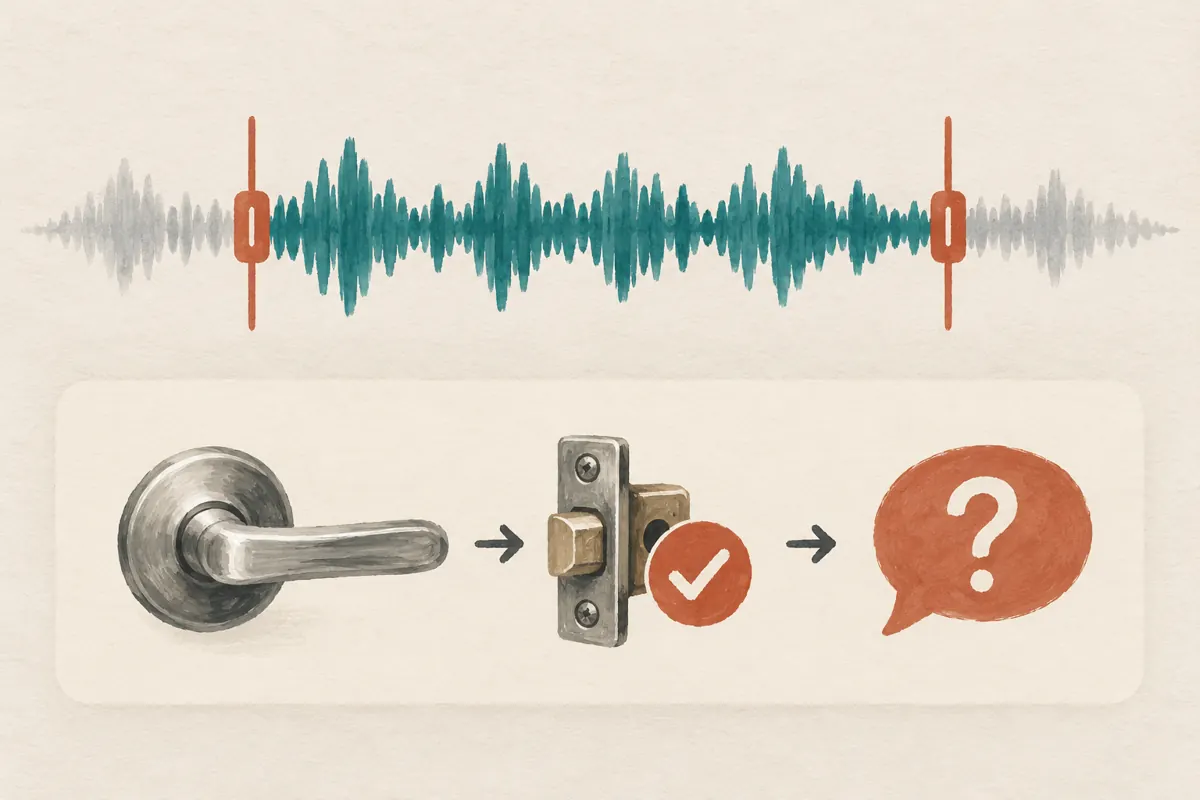
Trim when the unwanted material sits outside a complete, correct explanation: a long opening pause, a repeated greeting or unrelated closing chatter. Keep a slightly longer recording when shortening it would remove context. Record again when the useful material contains a wrong model name, contradictory advice or private customer details that cannot be excluded while preserving the answer.
The documented start-and-end selection should not be treated as a promise of detailed editing inside the recording. If a mistake falls between two essential statements, a fresh take is often easier to review than a complicated workaround. Also avoid building a message from statements recorded under different assumptions. A later sentence about another handle can sound like a continuation of the first product's explanation.
Choose completeness over a target duration. The right stopping point is where the listener has the answer and the next step, without unnecessary detours.
Listen for meaning at both cut points
Play the retained audio from its new beginning. Does it identify the item, or does it begin with 'this one' after the identifying sentence has disappeared? Listen particularly for words that limit a claim: 'not', 'only', 'after checking' and 'sold separately'. Cutting away one of these can change the commercial meaning even when the remaining speech sounds smooth.
Then check the ending. The final sentence should finish naturally and retain any condition attached to the requested action. In a hypothetical review, an assistant discovers that the cut preserves 'send the photo' but removes 'before we confirm the matching part'. The correct fix is to restore the condition or record a clearer ending. A shorter clip is not ready if it implies that suitability has already been established.
Match the recording to the photograph and written summary
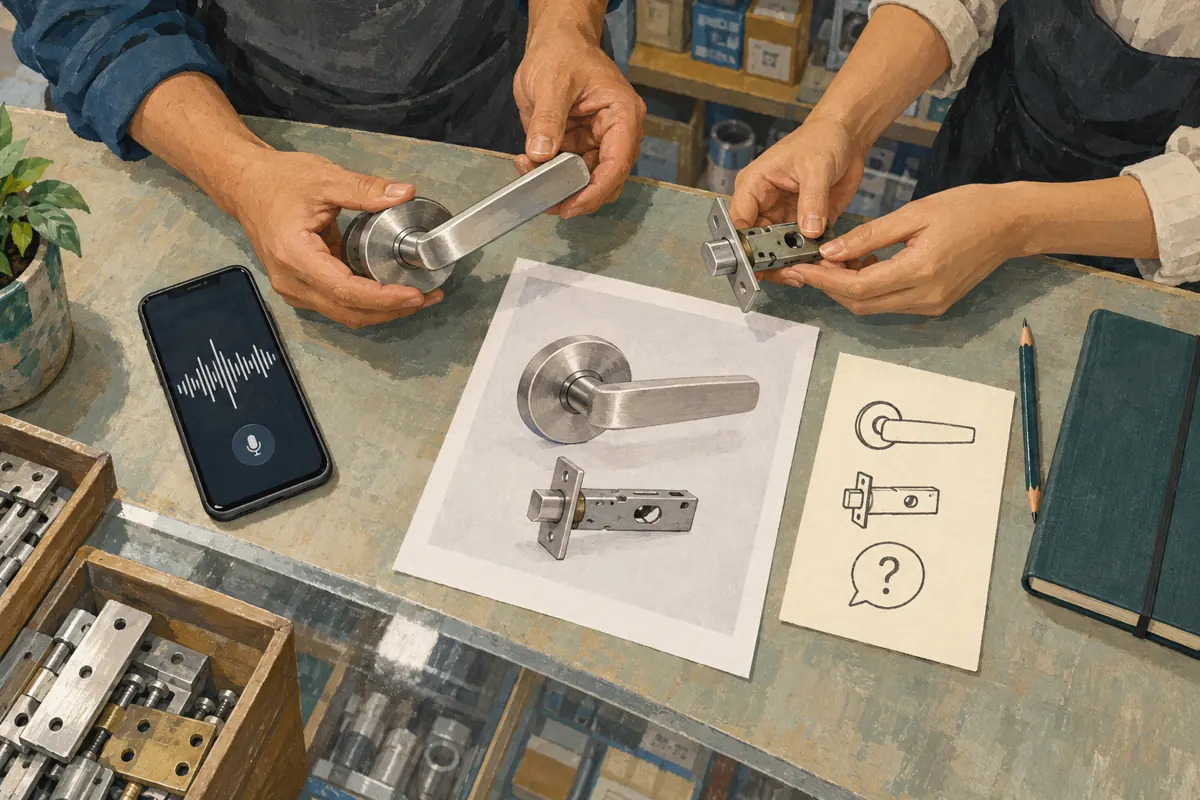
Place the actual sample beside the photograph during review. Compare the finish, handle shape and included components with what the recording describes. If the picture shows a latch for demonstration but the offered item excludes it, make that distinction explicit in both the spoken explanation and the written information. Do not rely on customers noticing a small visual difference.
Write a compact summary that stands on its own: identify the item, state the unresolved fitting check and explain the requested reply. Use a stable product reference that staff recognize. Avoid referring only to 'the previous picture', because someone may encounter the explanation without reading the surrounding conversation. The text and audio should agree about what is known, what needs checking and what the shop is offering.
Ask a colleague to test the next step
Give a colleague the proposed photograph, summary and trimmed recording without the preparation notes. Ask them to explain which item is being discussed, whether fit has been confirmed and what the customer should send. Their answer reveals gaps that the speaker may miss because they already know the intended meaning. This is an editorial check, not a customer testimonial or a performance result.
Use ordinary listening conditions as well as careful headphone review. Check whether background shop noise masks the product reference or the qualification. If the listener needs repeated explanations from the speaker, revise the recording. Keep the requested customer action manageable: an initial photo request can start the conversation, while detailed measurements can follow with clear guidance from someone competent to assess the fitting.
Keep panel service decisions separate from content approval
The supplied lao-smm.com catalogue includes the exact public name 'Telegram 🔥 Reaction + 𝗙𝗿𝗲𝗲 𝗩𝗶𝗲𝘄' in a Telegram positive-reactions category. Its description is empty. That supports identifying its listed category, but does not establish whether a voice-message post is eligible, where any activity originates, or how the named components are delivered. Treat the wording as a catalogue label requiring clarification, not a verified performance promise.
Before considering such a service, identify the exact public destination and ask for current eligibility and conditions. Do not assume a service for Telegram accepts every content format. If the purpose is to understand whether customers can follow the explanation, purchased reactions cannot answer that question. Choose direct comprehension checks and genuine enquiries for that purpose.
Purchased engagement is not evidence of genuine interest, sales, ad delivery or Cambodian users. It also does not establish official platform affiliation. If service activity occurs, record it separately and never present it as independent customer approval of the handle or the advice.
Review enquiries for the missing explanation
After publishing through the shop's normal process, review the substance of incoming questions. Can staff identify the product being requested? Are customers sending useful views of the existing fitting? Are they still asking whether the latch is included? These observations help locate an information gap. Keep customer images and identifying details within the appropriate private handling process rather than recycling them into promotional proof.
Maintain a brief issue log with the question, the confusing statement and the proposed correction. In a hypothetical case, repeated requests for a complete lock reveal that the post did not clearly distinguish a lever set from the other components. Revise that distinction before widening promotion. Do not attribute a change in enquiries to trimming alone when price, stock, other posts or service activity also changed.
Recheck the explanation whenever the photographed set or included components change. A well-edited voice message can become inaccurate as the offer changes. Content approval belongs to the specific product and wording, not permanently to the audio file.

Frequently asked questions
Can a shorter voice message still be less useful?
Yes. Removing repetition helps, but removing the product reference or a fitting condition can make a short recording ambiguous. Review what the customer will understand from the retained audio alone. Keep the extra sentence when it explains an essential limit, or record a more concise complete answer.
What if a mistake is in the middle of the recording?
If selecting a different start and end cannot preserve a complete correct explanation, record again. The documented trimming workflow selects a fragment; it should not be assumed to provide every kind of internal audio editing. A fresh, focused take also makes it easier to verify that all statements concern the same product.
Should the shop publish only a voice explanation?
Provide a useful written summary and an identifying photograph alongside it. Customers may be unable to listen, and an installer may need to inspect the item visually. Keep the key condition in the written information too, so the offer remains understandable without audio playback.
Can panel reactions show that Cambodian customers understood the advice?
No. Purchased reactions do not establish a person's location, understanding or intention to buy. Even an unsolicited reaction does not explain which part of the message was understood. Use questions and replies about the actual fitting to assess what needs clarification, without treating those replies as confirmed orders.
What should happen if the wrong condition was already published?
Pause further promotion of that explanation and prepare a clear correction identifying the affected product and statement. Review the replacement audio, photograph and summary together. Where an active customer conversation relied on the incorrect advice, clarify the fitting status directly before progressing the recommendation or order.
Explore the current service catalogue, create an account, or ask a specific question through support tickets.
Prepared with AI assistance. Illustrations explain the workflow and do not represent customer results.